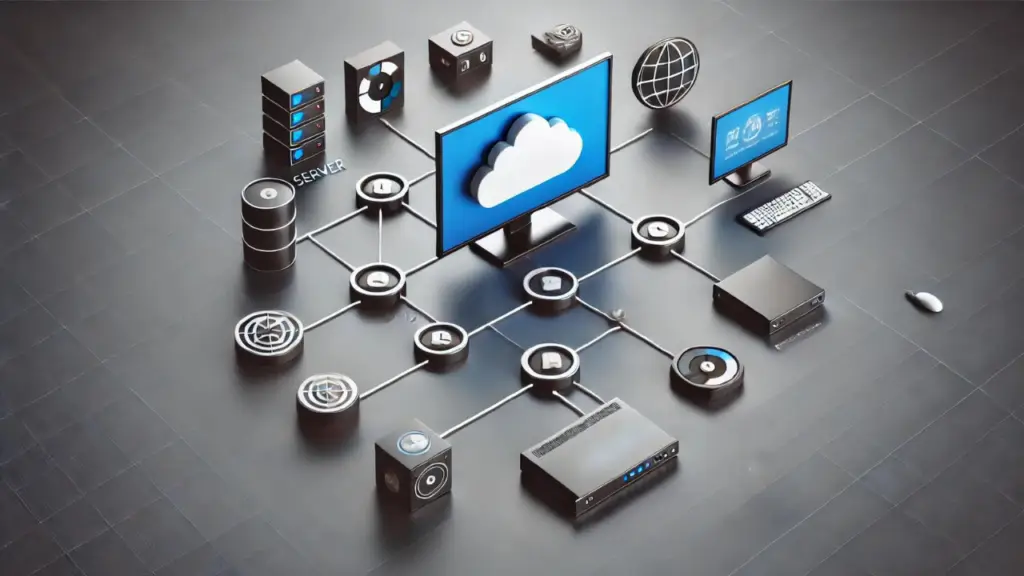
Digital signage is the use of electronic displays like LED, LCD, or projection screens to show dynamic multimedia content that can be updated remotely in real time. In simple terms, it's the modern, digital version of a poster or noticeboard. A complete digital signage definition always includes three core pieces: displays (screens), media players (the devices that play content), and a content management system (CMS) that controls what appears on which screen and when.

Digital Signage Definition
Digital signage is the use of electronic displays — like LED, LCD, or projection screens — to show multimedia content. That includes videos, animations, live data, announcements, and even interactive experiences.
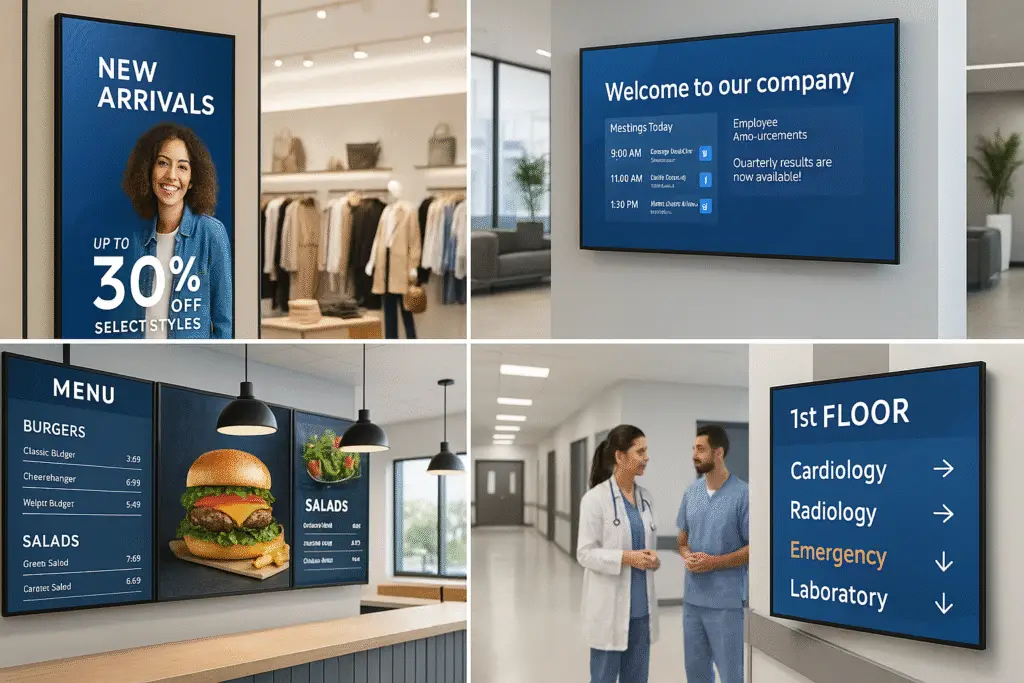
The key distinction from traditional signs: updates happen instantly without reprinting or physical changes. Whether it's an airport departure board, a restaurant menu, a retail promo display, or an office lobby screen, the content is managed centrally and pushed to screens in real time. New to the industry? The digital signage glossary covers over 100 terms worth knowing.
The global digital signage market reached roughly $32.4 billion in 2026, with growth driven by cloud CMS adoption, programmatic DOOH, and the shift from one-off installs to managed services. Cloud-based platforms now dominate new deployments at $10 to $30 per screen monthly, replacing the on-premise servers that defined the previous decade. For a deeper look at the technologies, vendors, and patterns shaping the year ahead, see digital signage trends in 2026.
Digital Signage, Digital Displays, Electronic Signs: Are They the Same Thing?
Mostly, yes. People use a dozen names for the same idea, and the name usually tells you who is talking. Here is how the common ones shake out.
- Digital signage is the industry term for the whole system: screens, media players, and the software that decides what plays where and when. If you are buying, this is the phrase vendors, integrators, and consultants use.
- Digital display or digital screen usually means just the hardware, the panel on the wall. A display becomes digital signage once something is scheduling content to it.
- Digital sign board and electronic sign are older, catch-all phrases. They often mean the LED message boards outside a school or a church, the kind with scrolling red text. Modern digital signage can do that job. The reverse is not true.
- E-signage and digital signages are the same thing with a different accent. You will see them in Asian and European markets, and the plural shows up in procurement documents.
- Digital signage system puts the emphasis on the software and the network. It is what IT teams say when they mean the CMS plus every player attached to it.
- Digital out-of-home (DOOH) is digital signage that sells advertising to third parties: billboards, transit screens, screens in taxis and elevators. Same technology, different business model. The DOOH advertising guide covers that world on its own.
One distinction does matter. A digital sign can be a single screen with a USB stick in the back. Digital signage implies you can change what is on that screen without walking up to it. If you are pricing a project or comparing platforms, that is the line to draw.
Digital signs for a small business
If you run a single shop, clinic, or restaurant, you do not need most of what this article covers. One commercial screen, a media player in the $100 to $300 range, and a cloud CMS at $10 to $30 a month will do the job, and several platforms offer a free tier for one or two screens. The mistake small businesses make is buying a consumer TV and running it 14 hours a day. Consumer panels are rated for roughly 8 hours of daily use, and the warranty typically excludes commercial use. Spend on the screen, save on the software. The free digital signage guide walks through the options that cost nothing to start.
How Does Digital Signage Work?
If you're thinking about using digital signage in your business, it helps to know what's happening behind the scenes. The good news? It's not rocket science.
Content Management System
The control center. Upload videos, images, text, or live feeds and decide when and where they show up.
Media Player
The translator. Takes your scheduled content from the CMS and plays it back on your screens.
Digital Displays
What your audience sees. From lobby monitors to outdoor LED billboards to touchscreen kiosks.
When these parts work in sync, you get a system that's flexible, scalable, and surprisingly easy to manage.
Why Use Digital Signage?
Remote Management
With a cloud-based content management system (CMS), you can update your screens from anywhere. Whether you're managing one display or a hundred across multiple locations, changes happen in real time. No printers, no couriers or tape dispensers.
Dynamic, Attention-Grabbing Content
Forget static signs. A digital sign will support video, animation, live data, and interactive elements that actually pull people in. In high-traffic environments like retail, restaurants, or schools, motion and media make a big difference in grabbing attention and holding it.
Real-Time Updates
Need to swap out a promo, adjust for the weather, or respond to breaking news? No problem. Electronic displays let you tailor content by time of day, location, or even audience type.
Targeted Messaging
You're not just broadcasting — you're communicating with intent. Digital signage allows businesses to deliver specific messages to specific audiences at the right moment.
Where Can You Find Digital Signage?
🛒 Retail Stores
Promote sales, showcase new arrivals, or highlight seasonal offers right at the point of decision.
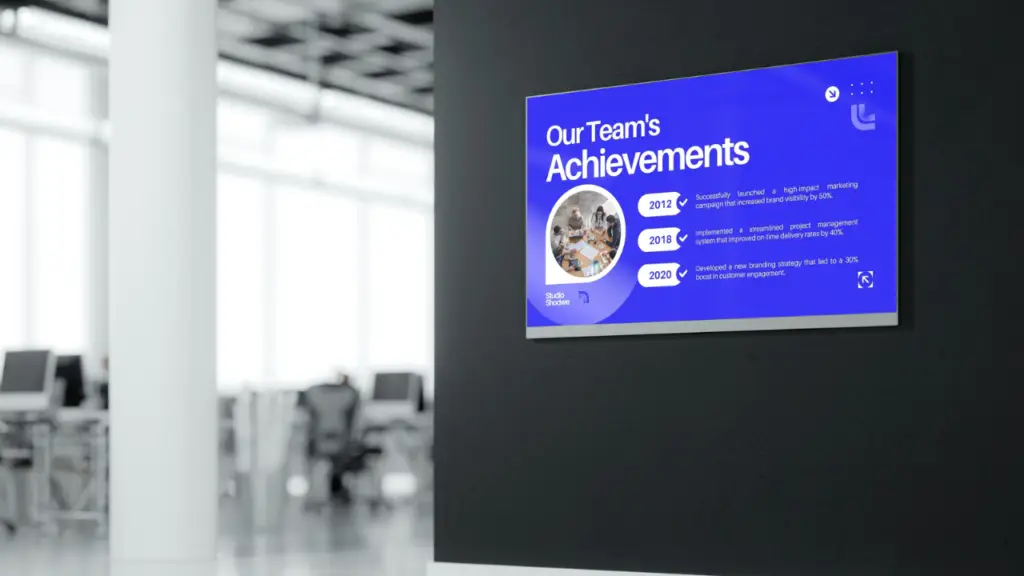
🏢 Corporate Offices
Share company updates, safety messages, KPIs, and employee recognition on lobby, hallway, and break-room screens.
Learn about corporate digital signage →✈ Transportation Hubs
Real-time arrival and departure info, weather alerts, safety notices, or directional signage in airports, train stations, and bus terminals.
🏥 Healthcare Facilities
Patient check-in, digital wayfinding, wellness tips, or waiting room infotainment.
🎓 Education
Daily schedules, event announcements, emergency alerts, and interactive wayfinding for schools and campuses.
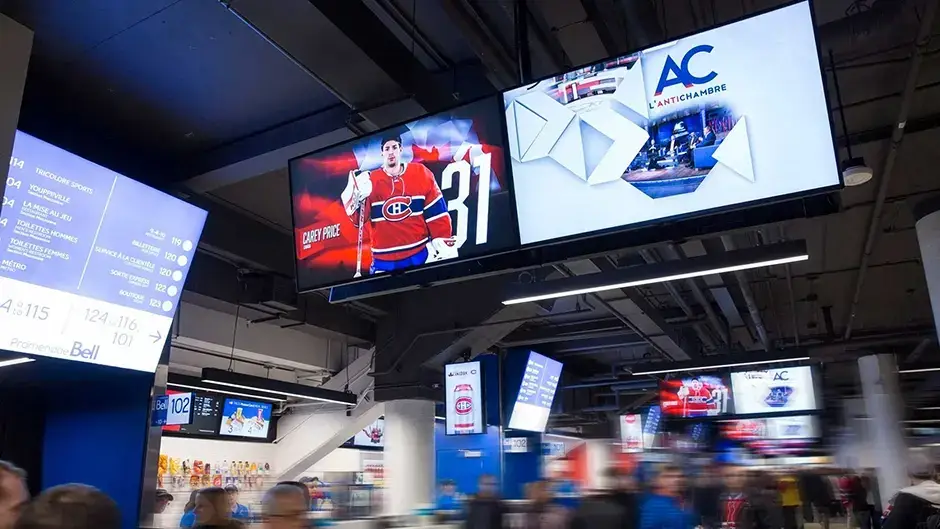
Learn about education digital signage →🏏 Public Venues
Stadiums, museums, and convention centers use screens for crowd flow, digital menus, live updates, and sponsor messaging.
The Key Components of Digital Signage
Digital Displays
Indoor displays: High-definition or 4K screens are ideal for indoor settings like retail stores, offices, or lobbies, where the audience is typically in close proximity to the screen.
Outdoor displays: Designed to withstand harsh weather conditions, outdoor displays are bright, durable, and weatherproof. They are commonly used for billboards, outdoor advertising, and events.
Media Players
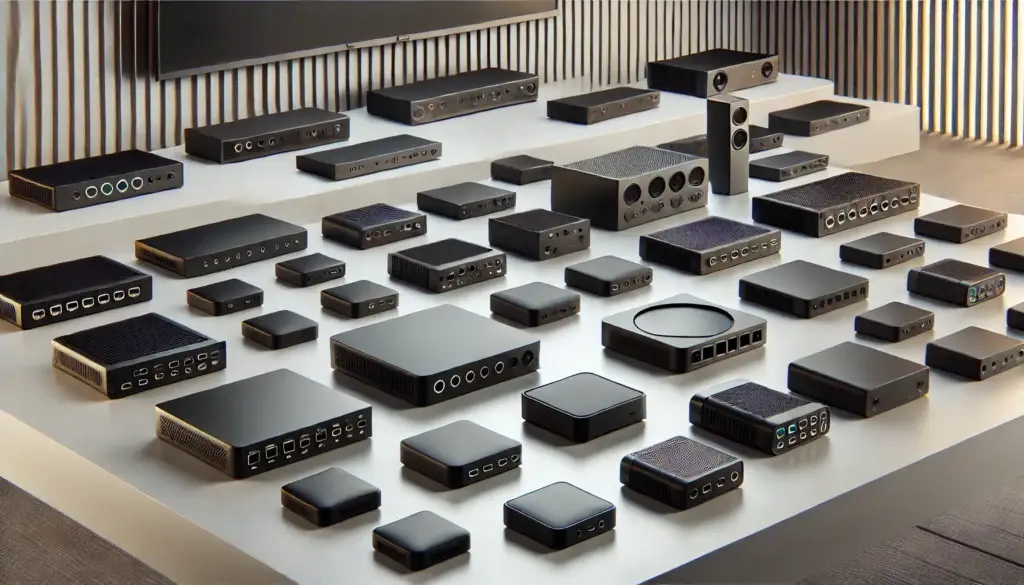
The media player connects to your screen and plays content from your CMS. Media players can vary in size and power.
Standalone media players: Best suited for simple installations with one or two screens, where content doesn't need to be updated frequently.
Networked media players: Ideal for larger installations where content needs to be managed across several displays or locations. These players allow for remote updates and scheduling from a central CMS.
Content Management System (CMS)
The CMS is the backbone of any digital signage setup. It allows you to manage the media files, control what content is displayed, and schedule it for specific times or locations.
- User-friendly interfaces: Drag-and-drop features that make it easy to create and edit content.
- Content scheduling: Display content at specific times or intervals, ensuring the right message reaches the right audience at the right time.
- Templates: Pre-built templates to help you create professional-looking displays quickly.
Mounting Solutions
The way you mount your displays matters. Proper mounting solutions ensure your screens are securely placed and visible to your audience.
- Wall mounts: Ideal for permanent indoor installations like retail or office displays.
- Ceiling mounts: Used where floor space is limited, such as airports or transportation hubs.
- Freestanding displays: Suitable for temporary or mobile setups, such as trade shows or event spaces.
Connectivity
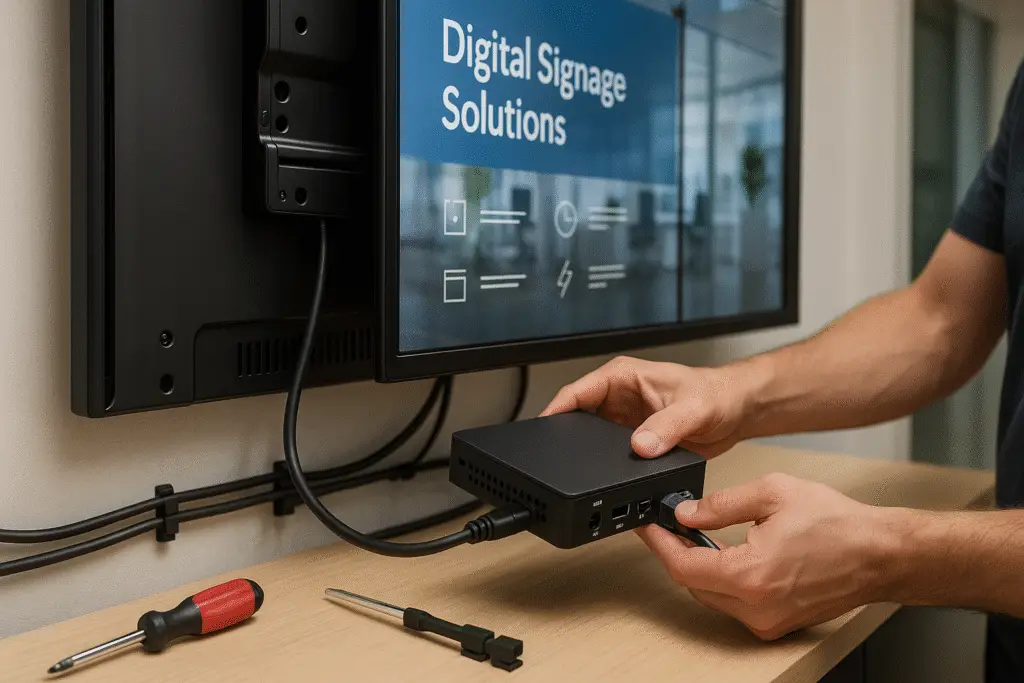
Reliable connectivity is essential for smooth content transmission from the CMS to the media player and finally to the screen. Businesses can use HDMI, Ethernet, or wireless connections like Wi-Fi to ensure seamless operation. Connectivity is also crucial for real-time updates and remote management capabilities.
- Three core components: Display screens + Media players + Content Management System (CMS)
- Key advantage over print: Update content remotely in real-time across one or thousands of screens
- Engagement boost: Digital content captures 400% more views and 83% retention vs. 20% for print
- Common use cases: Retail promotions, corporate communications, menu boards, wayfinding, public information, emergency alerts
- Display types: Indoor HD/4K screens, outdoor weatherproof displays, interactive touchscreens, video walls
- CMS is critical: Choose software that's user-friendly, scalable, and compatible with your displays/players
- Hardware decisions matter: SoC (system-on-chip) displays vs. external media players depends on scale and complexity
- Content best practices: Keep messaging concise, update regularly, use high-quality visuals, optimize for screen size
- ROI factors: Printing cost savings + staff time savings + increased engagement + dynamic messaging capability
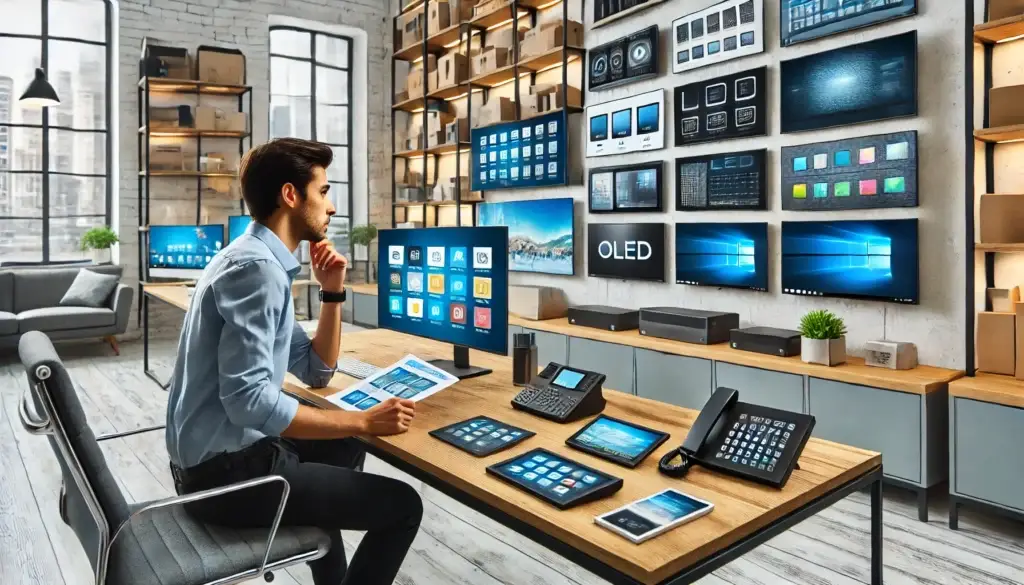
Selecting Digital Signage Hardware
Where and How You'll Use It
Purpose: What will the sign do? Is it for showing menus, advertising, or letting people find their way?
Location: Outside signs need to be tough enough to handle all kinds of weather. Interactive screens (like self-order kiosks) need to be touch-friendly.
How Complex Your Content Is
Simple content (basic images or text) doesn't need powerful media players. Complex content (high-definition video, interactive elements, or real-time data feeds) needs stronger media players and reliable connections.
Planning for the Future
Think about if you'll add more screens or want to show more advanced content later. Pick hardware that can grow with your business so you don't have to buy a whole new system down the road.
Your Budget
Invest in quality gear because it will last longer and work better. But find a balance with what you can afford. Think about the total cost over time, not just the upfront price — including maintenance and future upgrades.
Selecting the Right Software
Your CMS software is more than a tool for managing content — it's the backbone of your display network. Need help choosing? Try the Digital Signage Platform Finder, read the training guide, or get a structured software audit to compare your current platform against alternatives.
User-Friendliness
Look for software with an intuitive, easy-to-use interface. The best digital signage software makes it simple to create and update content, even if you're not tech-savvy.
Scalability
As your business grows, your needs may expand too. Your software should scale with you, allowing you to add more screens or create more complex content without slowing down.
Compatibility
Your software must be compatible with various media formats and devices. Whether you're using LED displays, video walls, or tablets, your content should look great across all platforms.
Integration Capabilities
Choose software that can integrate with other systems, like social media feeds, weather updates, or business data. These integrations make your content more relevant and engaging.
Reliability and Support
Reliable software with strong customer support and regular updates is essential. This ensures your system stays current with the latest features and security protections.
What Digital Signage Means for Your Business
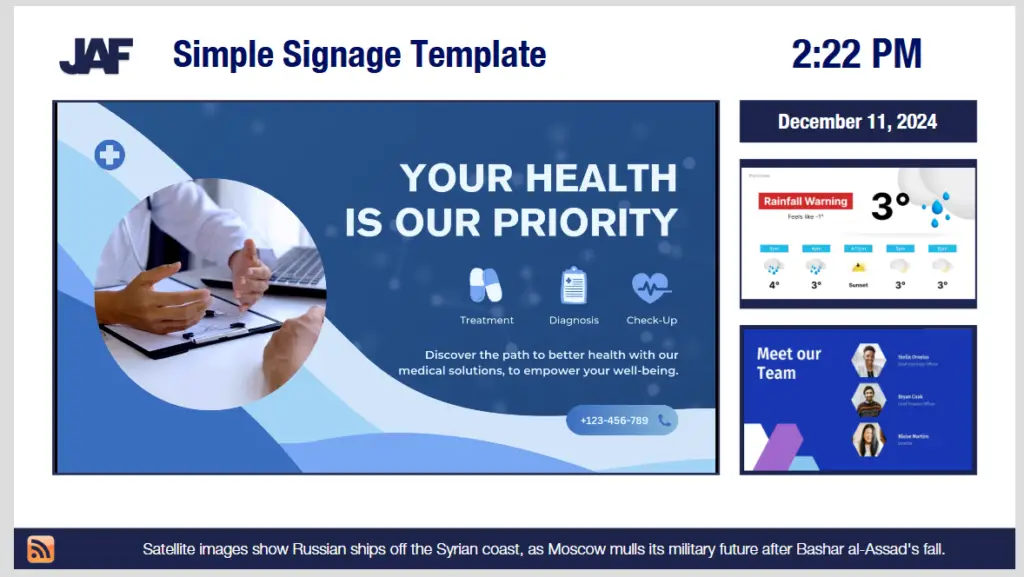
Knowing the textbook definition of digital signage is nice. What matters more is what it actually does for your organization.
At a basic level, digital signage helps you:
- Replace static posters with easily updated screens
- Keep messages consistent across locations
- React to changes in real time instead of waiting on print
- Turn "dead" walls into useful communication channels
Whether you are a retailer, a school, a hospital, or a corporate HQ, the meaning of digital signage is the same: faster, more flexible communication with the people who walk past your screens every day.
Best Practices for Effective Digital Signage
Create Engaging Content
High-quality visuals and concise messaging work best. Use bold, readable fonts and bright colors to grab attention.
Know Your Audience
Tailor your content to fit the needs and interests of your target viewers.
Keep It Fresh
Regularly update content to maintain relevance. Rotate promotional materials and update information as needed.
Use Data
Leverage analytics from your CMS to see what content performs best and adjust your strategy accordingly.
Optimize for Different Displays
Ensure your content looks good on all screen sizes, from small tablets to large video walls. Use the screen size calculator to find the right fit.
Future Trends in Digital Signage
The industry is evolving fast. Here are the trends shaping digital signage in the coming years:
Interactive Signage
Touchscreens and motion-activated displays are becoming more common, allowing users to interact directly with the content.
AI-Driven Personalization
Artificial intelligence is enabling displays to show more relevant content based on audience demographics or real-time data. Enterprise platforms like Navori have built computer-vision modules into the CMS itself, so audience-aware playback no longer requires custom integration work.
Flexible Displays
With advancements in LED technology, expect to see more creative placements, such as curved or bendable screens.

Conclusion
Digital signage isn't just a flashy screen — it's a smarter way for businesses to connect with their audience. From boosting engagement to delivering targeted, timely content, it's one of the most effective communication tools available today.
As technology evolves, so do the possibilities. Staying current with trends and following best practices can help businesses maximize their investment, improve customer experiences, and hit their marketing goals faster.
Whether you're just starting out or scaling a full network, one thing's clear: digital signage gives you the power to be seen, heard, and remembered.
Jordan Feil is an independent digital signage consultant with 17 years of industry experience. He has worked as a product manager at Navori Labs, a technical account manager, and a global marketing director before founding JAF Digital Consulting. He works with operators, vendors, and integrators on strategy, software selection, network audits, and go-to-market. No commissions, no vendor relationships that shape what he recommends.