Free digital signage software can work for temporary setups, proof-of-concept tests, and simple internal displays. But for anything customer-facing or long-term, "free" usually means watermarks on your screens, features locked behind paywalls, minimal support when things break, and limitations you discover only after you have committed your time.
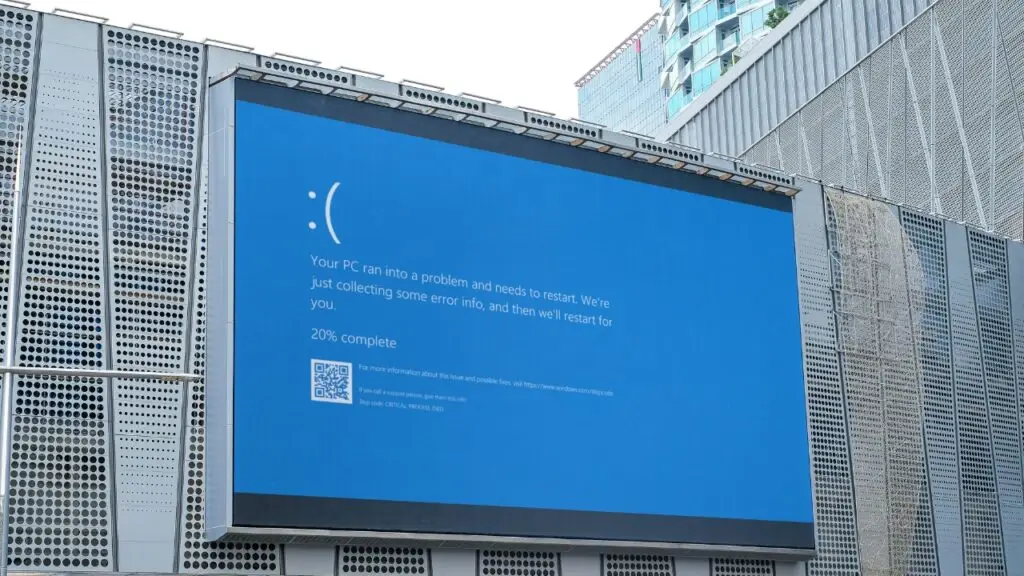
Why Free Is Appealing
I get it. Digital signage software can be expensive, and when you are just testing the waters, free feels like the obvious starting point. No budget approval needed, no commitment, just sign up and start. The problem is that "free" in digital signage almost never means what you think it means.
Most people searching for free digital signage software are in one of two situations. Either they are exploring the idea for the first time and do not want to spend money before they know if it works, or they have been told to "make it happen" without any budget. Both are valid starting points. But both also lead to the same trap if you are not careful.
The appeal is obvious. You get to skip the procurement process, avoid vendor calls, and start building content right away. For a quick proof of concept or an internal display that only your team sees, that can be perfectly fine. The trouble starts when "free for now" quietly becomes "free forever" and your lobby screen is stuck running a vendor watermark in front of every client who walks through the door.

What Free Really Means
When a digital signage vendor offers a free tier, they are not doing it out of generosity. They are giving you just enough functionality to get invested, and then they are counting on you to hit a wall that only a paid plan can fix. Here are the four most common traps I see.
Feature Paywalls
Advanced features like remote updates, scheduling, and analytics require paid upgrades. The free version does just enough to get you hooked.
Branding Watermarks
Vendor logos appear on your displays, undermining your brand. Fine for a back office screen, not fine for customer-facing displays.
Hardware Limitations
Compatibility issues with certain media players or operating systems. You may find the free software only works on hardware you do not own.
Inadequate Support
Users rely on forums instead of responsive support teams. When your lobby screen goes blank before a client visit, a forum post will not help.
None of these are deal-breakers if you know about them upfront. The problem is that most people do not discover these limitations until they have already built their content library, trained their team, and committed to the platform. At that point, switching feels expensive even if staying is worse.
When Free Makes Sense
I am not anti-free software. There are real scenarios where it is the right call. The key is knowing the difference between "free as a starting point" and "free as a permanent solution."
- Temporary event setups and trade shows
- Internal communications like safety updates or cafeteria menus
- Nonprofit and educational institutions with minimal budgets
- Proof-of-concept deployments to test the idea before investing
If your screen is in a break room showing the weekly lunch menu, free is fine. If your screen is in a lobby showing content to potential clients, free is a risk. The distinction is simple: if nobody outside your organization sees the screen, you have more flexibility. The moment a customer or client is involved, you need full control over what appears on that display. For small businesses weighing free vs paid, see when an expert is actually worth hiring.

What You Miss Out On
Here is what free tiers almost never include: scalable infrastructure, content automation, advanced integrations (POS, CRM, social feeds), user role management, enterprise-grade security, and dedicated support. These are not luxury features. For any serious deployment, they are table stakes.
Scalability matters because one screen in a lobby is a project, but ten screens across three locations is an operation. Free tools are built for the project, not the operation. Content automation matters because manually updating every screen every week is sustainable for about a month before someone stops doing it. Integrations matter because your signage should pull from data you already have, not force someone to re-enter it.
And support? Support matters most at the worst possible time. When your main display goes dark five minutes before an investor visit, a paid platform gives you a person to call. A free platform gives you a search bar and a prayer.
| Feature | Free Software | Paid Software |
|---|---|---|
| Customization | Limited templates, watermarks | Full brand control |
| Multi-Screen | Basic or limited | Scalable, centralized |
| Analytics | Rare or absent | Built-in insights |
| Support | DIY forums only | Dedicated teams |
| Security | Minimal | Enterprise-grade |
Why Paid Is Worth It
Paid platforms cost $20 to $100 per screen monthly. For that, you get reliability, automation, proper support, and the ability to actually scale. The math is simple. If a screen is worth deploying, it is worth running properly.
Think about it this way. If you are paying rent on a retail space, spending money on interior design, and investing in staff training, why would you run the one communication tool that customers actually see on the cheapest possible option? A watermarked screen in a professional environment tells your customers something about your priorities, and it is not a good message.
The best paid platforms also save time, which has a real dollar value. Content scheduling, template libraries, remote management, and automated playlists mean your team spends minutes per week on signage instead of hours. Over a year, the time savings alone usually cover the subscription cost with room to spare.
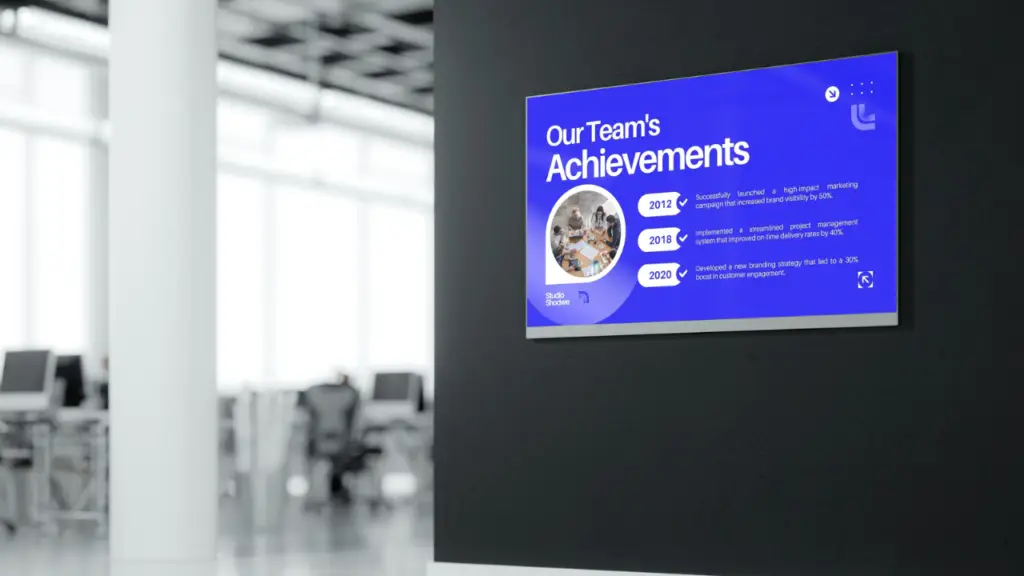
The ROI of Paid Solutions
Paid solutions deliver faster deployment, fewer failures, better content automation, and actual measurement. The time saved alone usually covers the subscription cost.
Here is what I have seen consistently across clients who moved from free to paid: deployment time drops because the software handles more of the setup automatically. Content stays fresh because scheduling and automation tools make updates easy instead of tedious. Failures decrease because paid platforms come with monitoring, alerts, and someone to call when something breaks. And measurement actually happens because built-in analytics let you track what is working without duct-taping together a spreadsheet.
If you want to understand what your signage investment is actually returning, a digital signage ROI calculator can help you put real numbers behind the decision. Most people are surprised by how quickly paid software pays for itself when you factor in time savings and reduced downtime.
Strategy Makes It Work
Free or paid, the software is only part of the equation. Without a content strategy, clear ownership, and regular updates, even the best platform will underperform. The tool matters less than the plan behind it.
I have seen companies spend $500 a month on premium software and still run the same three slides for six months because nobody owned the content process. I have also seen organizations use basic tools effectively because they had a clear plan for what goes on the screen, when it changes, and who is responsible for making it happen.
Before you worry about which platform to choose, answer these questions: Who creates the content? Who approves it? How often does it change? What is the goal of each screen? If you cannot answer those questions clearly, no software, free or paid, will fix the problem. The SBA technology guidance for small businesses offers a practical starting point for evaluating tools without overspending. A solid workflow and training plan is what turns any platform from a screen-filler into a communication tool.
If you are not sure where to start with that process, a software audit can help identify whether the problem is your tool, your process, or both. Most of the time, it is both.
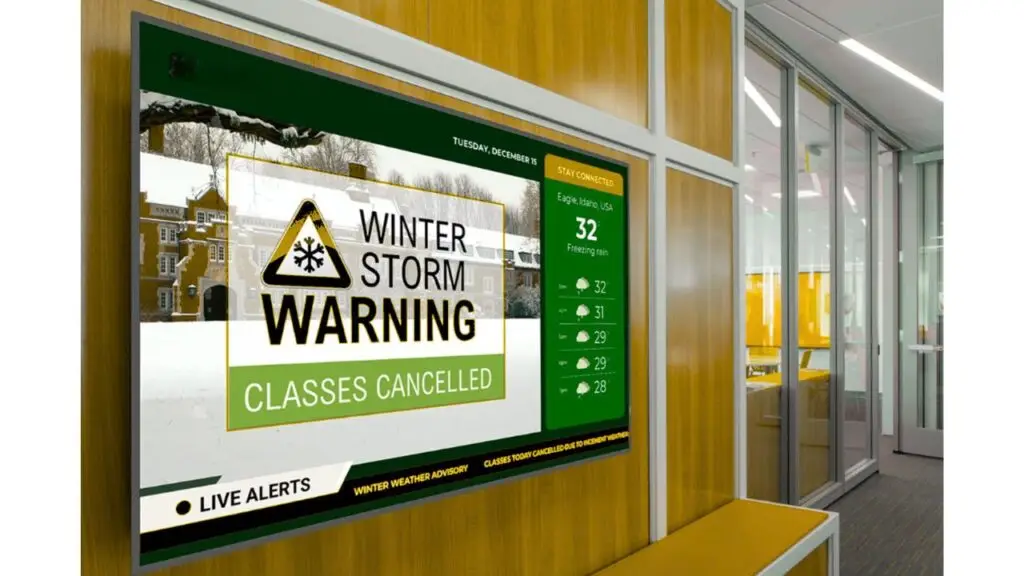
Bottom Line
Free digital signage software has its place. It is great for testing ideas and running simple internal screens. But if you are building anything customer-facing, multi-location, or long-term, the "free" label will cost you more in time, frustration, and missed opportunities than just paying for the right platform from the start.
Not sure which paid platform is the right one? The platform finder scores 20 of them against your situation in about five minutes. It will tell you which one to avoid as well as which to shortlist.
Start free if you need to learn. But plan your budget for paid. The difference between free and paid is not just features. It is the difference between a screen that works for your business and a screen that just happens to be on.
If you want an honest assessment of what you actually need, digital signage consulting from someone who does not sell software can save you months of trial and error. I will tell you if free is fine for your situation. And if it is not, I will help you find the right paid solution without the vendor runaround. Let's talk.
- Free software works for temporary setups and proof-of-concept testing.
- Hidden costs include watermarks, feature paywalls, and limited support.
- Customer-facing displays need paid software with full brand control.
- Paid platforms cost $20 to $100 per screen monthly and deliver real ROI.
- Support matters most when something breaks at the worst possible time.
- Strategy and content planning matter more than which software you choose.
- Test free options to learn, but plan your budget for a paid solution.
Jordan Feil is an independent digital signage consultant with 17 years of industry experience. He has worked as a product manager at Navori Labs, a technical account manager, and a global marketing director before founding JAF Digital Consulting. He works with operators, vendors, and integrators on strategy, software selection, network audits, and go-to-market. No commissions, no vendor relationships that shape what he recommends.