Schools and universities use digital signage to replace outdated bulletin boards, cut printing costs, and communicate faster with students, parents, and staff. The technology works when someone actually owns the content. It fails when nobody updates it past the first month.
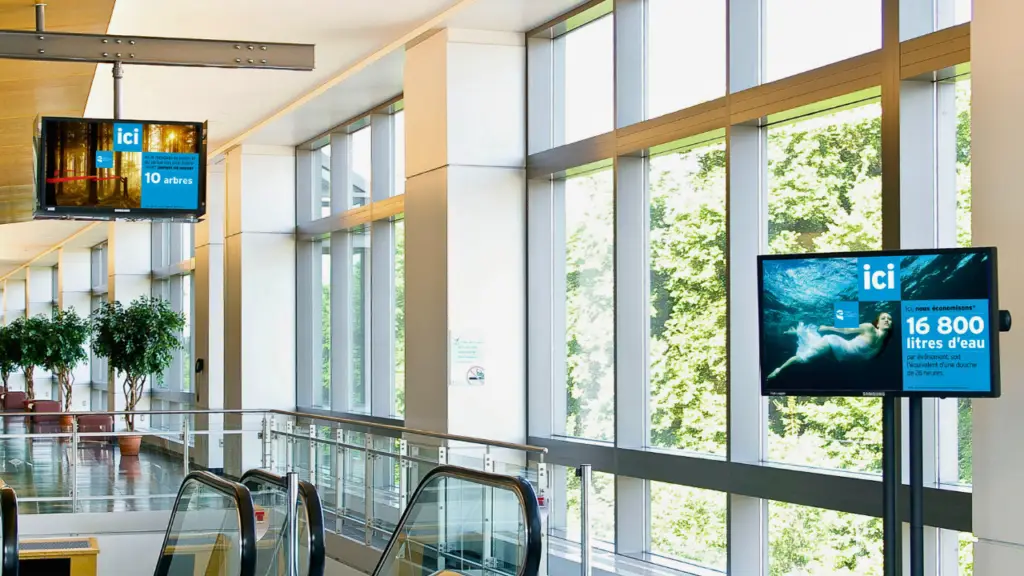
I have walked through enough school hallways to know what a neglected signage network looks like. Screens stuck on a welcome message from August. A cafeteria menu from two weeks ago. An event flyer for something that already happened. It is not that the technology failed. It is that nobody was put in charge of keeping it alive.
Digital signage in education has real potential. I have seen it transform how a campus communicates. But I have also seen districts spend tens of thousands of dollars on screens that become digital wallpaper before the semester ends. The difference is never about the hardware. It is always about who owns the content and whether anyone planned past the installation date.
Why Schools Use Digital Signage
Schools that still rely on paper bulletin boards and morning announcements are fighting a losing battle against information overload. Students scroll past physical flyers the same way they scroll past ads on their phones. Parents miss take-home sheets. Staff emails get buried.
Digital signage solves four specific problems that every school deals with.
Clear Communication Through Instant Announcements
When something changes, whether a schedule shift, a weather delay, or a room reassignment, screens update in seconds across every building. No printing. No waiting for the next morning announcement. No hoping someone checks their email before third period.
Wayfinding for Visitors and New Students
Campuses are confusing. New students, visiting parents, and substitute teachers waste time wandering hallways. Digital directories and wayfinding screens cut down on the "where is room 204?" problem in a way that a paper map taped to the wall never will.
Student Engagement Without Paper Clutter
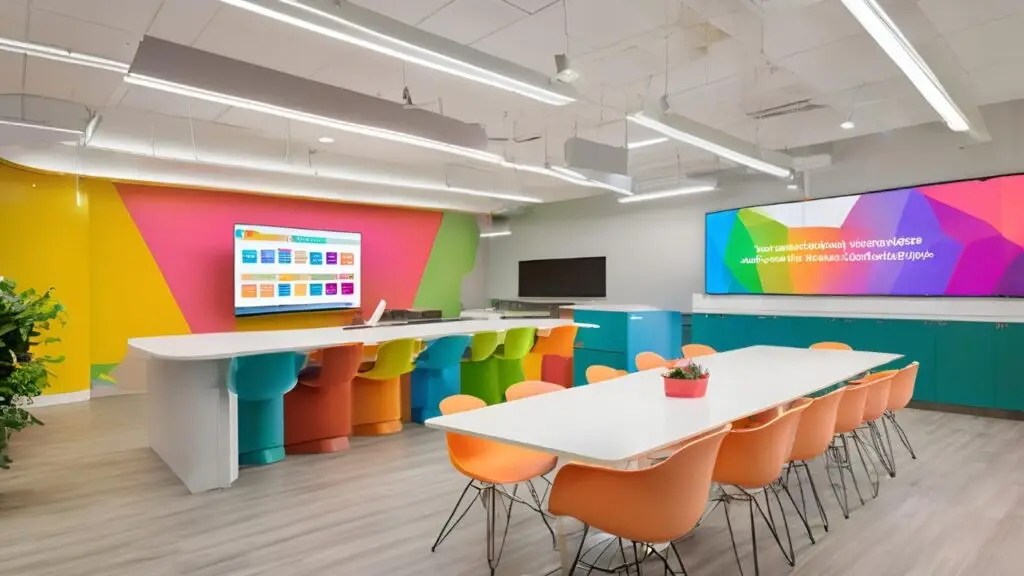
Club signups, spirit week schedules, athletic scores, student artwork, all of it can rotate on screens without turning every corridor into a wall of overlapping flyers. Students actually look at screens. They stopped looking at bulletin boards years ago.
Emergency Safety Alert Distribution
This is the one that usually gets budget approval. When you need every person on campus to see the same message at the same time, digital signage is the fastest channel available. Lockdown alerts, severe weather warnings, and evacuation instructions can override all content instantly. That alone justifies the investment for many administrators.
How It Works
The technology behind digital signage is not complicated. I tell every school the same thing: the hard part is not the tech. The hard part is getting people to actually update the content.
A basic system has five components:
- Display screens: commercial-grade panels designed for extended daily use
- CMS software: the platform where you create, schedule, and manage content
- Media players: small devices that connect to screens and pull content from the CMS
- Mounts and enclosures: hardware to secure screens in hallways, lobbies, and cafeterias
- Internet connectivity: wired or wireless, depending on your campus network
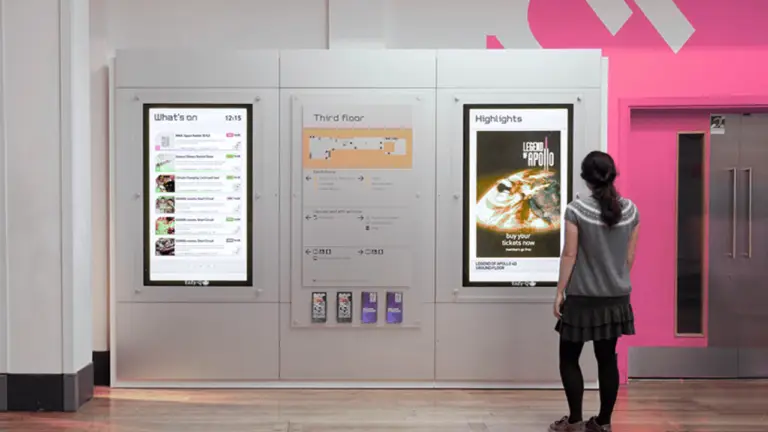
That is it. You pick screens, connect them to a CMS through media players, and start pushing content. The vendors will make it sound more complicated than that because complexity justifies their prices. But the underlying system is straightforward. Where schools get into trouble is everything that happens after the screens go on the wall.
The Real Benefits
I am not going to inflate this with made-up statistics. Here are the four benefits I actually see when I work with schools that do signage well.
Time Savings
Eliminates manual poster replacement across campus. No more walking building to building with a stapler and a stack of flyers. One update from a desk reaches every screen in every building.
Modern Appearance
Enhances campus perception for prospective families. Schools compete for enrollment. A campus with clean, professional digital displays looks like a place that has its act together.
Printing Cost Reduction
Pays for itself over time. Paper, ink, and labor add up faster than most districts realize. Schools printing thousands of flyers per semester see real savings within the first year.
Increased Participation
More eyes on campus activities and events. When information is visible and current, attendance goes up. Club signups increase. Parents actually know about the fundraiser before it ends.
Common Mistakes
These three mistakes account for most education signage failures I see during audits. Every single one is avoidable.
- Selecting incompatible or non-scalable software platforms. The CMS that works for one building might not scale to a district. If the platform cannot grow with you, you end up replacing it, and that means retraining everyone.
- Deploying screens without a content strategy. Screens go up in September looking great. By November, they are showing the same welcome message because nobody planned what comes next.
- Failing to train staff on system operation. If teachers and office staff do not know how to use the system, they will not use the system. Training is not optional. It is the difference between a tool people rely on and a tool people ignore.
Best Practices
After 17 years of working with organizations on digital signage, these are the practices that separate the schools where signage works from the schools where it does not.
- Keep messages short: 10 to 12 words per slide. If students cannot read it while walking past, it is too long.
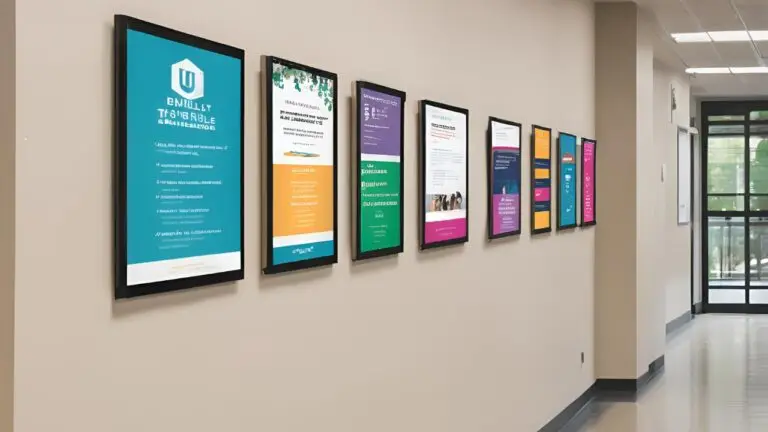
- Incorporate visuals and institutional branding. Consistent colors, logos, and fonts make your screens look intentional, not random.
- Tailor content by audience. Students, staff, and visitors need different information. A screen in the teacher lounge should not show the same content as a screen in the student commons.
- Rotate between varied content types. Mix announcements, event promos, student recognition, menus, and fun content. Monotony is invisible.
- Assign content ownership to specific people. Not a committee. Not "the IT department." One person or a small team with a clear job and a clear schedule for updates.
The last point is the one that matters most. I cannot stress this enough: if nobody owns the content, nobody updates the content. And screens that do not get updated become invisible within weeks.
What It Actually Costs
Here is what schools actually spend. These ranges cover K-12 and university deployments I have worked on or audited.
| Item | Range | Notes |
|---|---|---|
| Screens/Displays | $500 to $2,500 each | Size, brightness, and duty cycle |
| CMS Software | $20 to $100/mo per screen | Features and integrations |
| Installation | $200 to $500 per screen | Mounting, cabling, setup |
| Staff Training | $500 to $2,000 | Workshops and documentation |
| Network Upgrades | Varies | Depends on existing coverage |
Those are the upfront numbers. But do not forget the ongoing expenses that most vendors conveniently leave out of their pitch decks: software subscription renewals, content creation labor, routine maintenance, electricity costs, and periodic hardware replacement. A screen that costs $1,500 today will need replacing in five to seven years. Budget for that now or explain it to the board later.
How We Help
JAF Digital Consulting works with K-12 districts and universities to plan signage networks that people actually use after the install crew leaves. Here is what that looks like:
- CMS evaluation and selection: finding software that fits your team's skill level, not just the IT department's wish list. Resources like the EDUCAUSE digital signage community are also valuable for learning how other universities approach platform selection and campus communications
- Strategy development: building a content plan that covers the full school year, not just launch week
- Workflow design and training: making sure the people who need to update screens know how to update screens
- Audits: figuring out why an existing network is underperforming and what to fix first
- Content planning: building templates, rotation schedules, and approval workflows that keep screens fresh
I do not sell hardware. I do not take commissions from vendors. That means the advice you get is based entirely on what works for your campus, not what earns me a referral fee. Learn more about my approach.
Bottom Line
Digital signage works in education when someone owns it. Not the IT department alone, not a committee, just one person or a small team with clear responsibility for keeping content fresh.
The schools that get this right see real improvements in communication. Students know what is happening. Parents feel informed. Staff stop wasting time on paper-based announcements that nobody reads.
The schools that do not get this right end up with expensive screens showing the same welcome message from September in March. I have seen it happen more times than I can count, and it is always the same root cause: nobody was put in charge.
If you are planning a new deployment or trying to rescue a network that went stale, let's talk. I have been through this enough times to know where things go wrong and how to fix them before you waste another semester.
Public schools and districts operated as government entities often share the same accessibility mandates and procurement constraints as municipal agencies. ADA and Section 508 requirements frequently apply to K-12 and higher education institutions, and the procurement frameworks tend to look much the same.
- Digital signage replaces outdated bulletin boards and cuts printing costs.
- Keep messages to 10 to 12 words per slide for maximum readability.
- Always assign clear content ownership before deploying screens.
- Budget for training and ongoing content creation, not just hardware.
- Tailor content to specific audiences: students, staff, parents, visitors.
- Start small, prove the value, then expand across campus.