Digital signage for internal communications is the fastest-growing use case in corporate environments - networked screens that push company news, KPI dashboards, safety alerts, and HR announcements directly to employees. Gallup research identifies internal communication as a top-three driver of employee engagement, and workplace digital signage solves the biggest gap: reaching employees who never check the intranet or open company emails.
What Is Corporate Digital Signage?
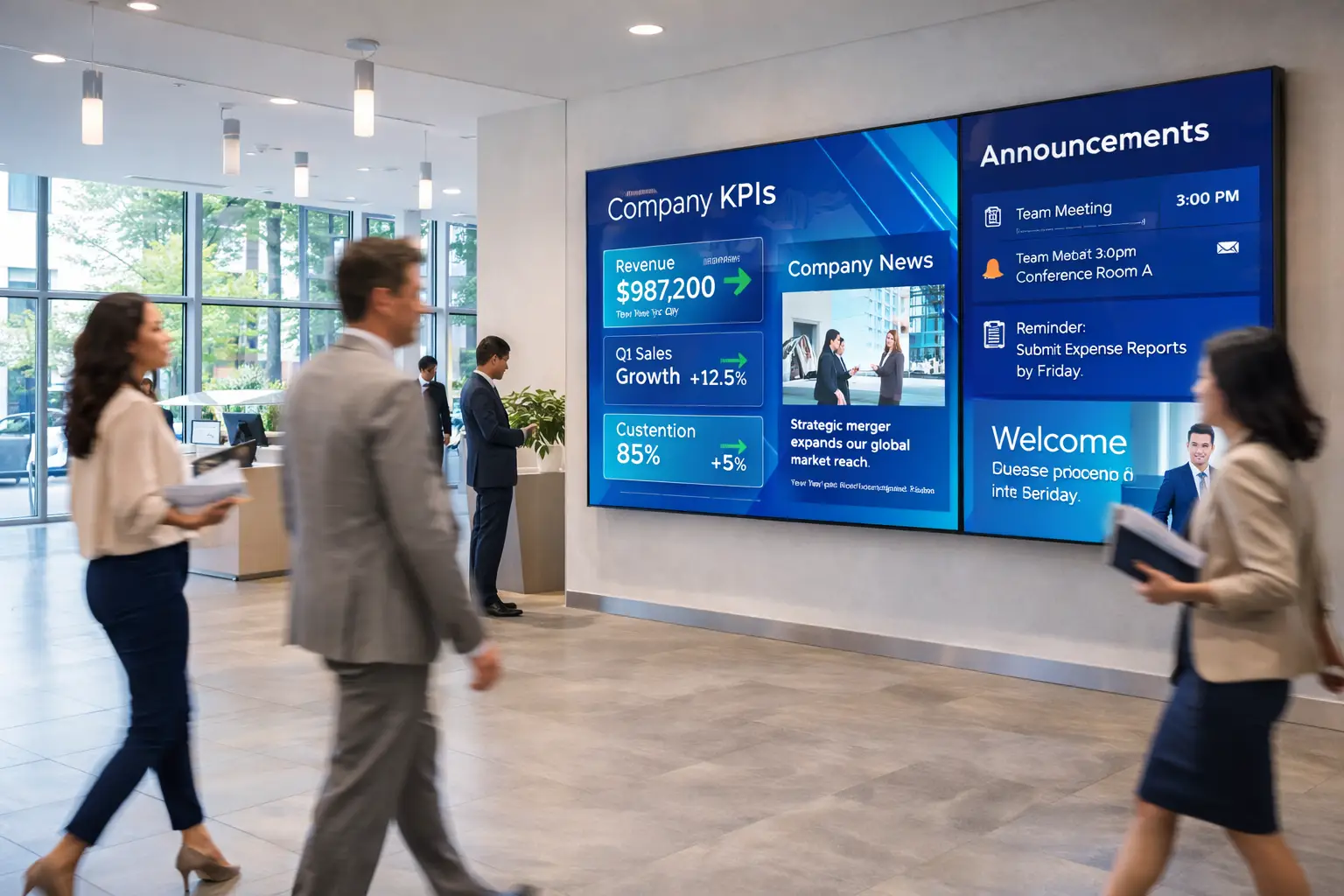
Corporate digital signage is a network of screens placed around office buildings, manufacturing floors, warehouses, and corporate campuses to share info with employees. Think of it as the layer that sits between your intranet (which people have to seek out) and email (which people ignore).
The screens show a mix of content: company news, leadership updates, KPI dashboards, safety alerts, training reminders, meeting room schedules, HR announcements, and employee recognition. Everything runs through a central platform and updates in seconds across a building or multiple locations at once. For platform options, see the software guide.
What makes workplace signage totally different from retail signage is the audience. Retail signage targets customers who walk by once. Corporate signage targets employees who walk past the same screens every day. That changes everything, from content strategy and refresh rate to placement and success metrics.
Why Companies Are Adopting It
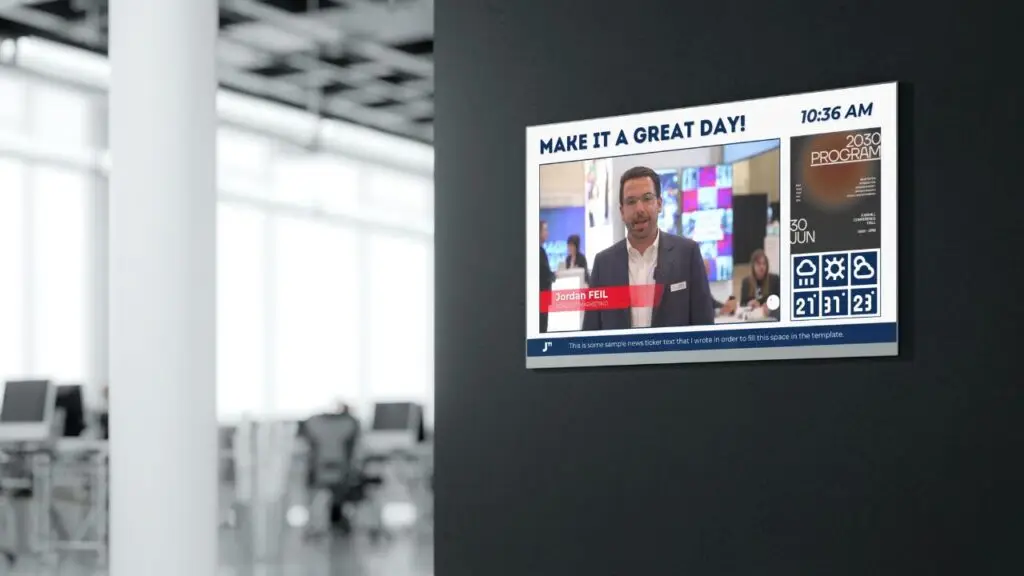
The shift to corporate signage for internal comms is picking up because the old channels are failing. Emails get buried. Intranet pages go unvisited. Posters go stale on break room walls. Screens solve this by putting info right in the path of employees. No login, no inbox. Here's why organizations are switching.
Instant Reach
Push messages to entire buildings at once. A single update hits every floor, every department, every shift, without relying on managers to pass info along or employees to check their email.
Higher Engagement
Digital screens pull attention in ways static posters and bulletin boards can't. Motion, color, and regular content changes keep employees looking instead of walking past.
Speed
Content updates hit every screen in seconds. Compare that to the days or weeks it takes to design, print, and ship physical materials to multiple locations.
Cost Savings
Cut recurring print and design costs for posters, flyers, and bulletin board materials. Organizations with multiple locations see the biggest savings as print costs stack up across sites.
Culture Building
Employee recognition, milestone celebrations, team wins, and company events shown on screens reinforce culture in a way an email thread can't.
Consistency
Every location gets the same message at the same time. No more version issues with printed materials or conflicting info across offices and floors.
Digital Signage for Internal Communications
Digital signage for internal comms replaces the old trio of email blasts, intranet posts, and printed bulletin boards with a single, always-visible channel that reaches employees where they work. It's the backbone of any corporate signage strategy, and the use case with the clearest ROI.
The core challenge is reach. Most internal communications teams have the same complaint: leadership sends an important update, but half the workforce never sees it. The State of the Sector report consistently confirms that message penetration remains the top frustration for internal comms professionals. Desk-based employees miss it in their inbox. Frontline workers - in manufacturing, warehouses, retail floors, and hospital units - often have no inbox at all. Digital signage for employee communications closes that gap by putting messages directly in high-traffic areas where every shift, every department, and every floor can see them.
What Internal Comms Content Works on Screens
Not everything belongs on a screen. The best internal-comms signage follows a simple rule: if it takes more than five seconds to read, it belongs on the intranet, not the display. Here's what works:
- Leadership updates and company news: Short, bold headlines with one supporting sentence. Link to full details via QR code.
- Employee recognition and milestones: Birthdays, work anniversaries, team achievements, and promotions. High engagement, low effort.
- Policy changes and HR announcements: Benefits enrollment deadlines, new policies, open positions, and compliance reminders.
- Safety alerts and compliance reminders: Especially critical in manufacturing plants and warehouse environments where employees are not at desks.
- Event promotions and culture content: Town halls, team building events, wellness programs, and social committee announcements.
- Live data feeds: KPI dashboards, sales targets, production output, and real-time metrics pulled from existing systems.
The most effective digital signage for internal communications in offices uses a 70/20/10 content split - 70% company and department-level information, 20% culture and engagement content, and 10% external or industry news. This keeps screens relevant without turning them into corporate propaganda channels that employees learn to ignore.
Internal Comms in Different Environments
Digital signage for internal communications in manufacturing looks very different from office environments. Factory floors and warehouses need large-format displays with high contrast, minimal text, and bold color-coded indicators. Safety alerts and production KPIs take priority over company news. The content must be readable from 15 to 20 feet away by workers who cannot stop to read a paragraph.
In office settings, digital signage for corporate lobbies serves a dual purpose - internal comms for employees and brand presence for visitors. Lobby screens typically show a mix of company achievements, upcoming events, and branded content. Break rooms and elevator banks are better suited for pure internal communications like HR updates and team recognition.
Real-World Use Cases
Corporate signage isn't one thing. It serves different departments with different needs. The best deployments tailor content to specific audiences and locations. Here are the use cases that consistently pay off.
Internal Communications
Company news, leadership messages, policy changes, org announcements, and employee recognition. The backbone of any corporate signage deployment.
HR & Employee Comms
Benefits enrollment deadlines, onboarding info for new hires, policy updates, safety training reminders, and open enrollment campaigns.
Operations
Live KPI dashboards, production targets, logistics updates, inventory levels, and real-time performance metrics visible to the floor.
Safety & Compliance
Emergency alerts, OSHA reminders, days-without-incident counters, evacuation info, and compliance training deadlines.
Culture & Engagement
Birthdays, work anniversaries, team wins, company events, wellness programs, and social committee announcements.
The organizations that get the most from corporate signage layer these use cases together. A single break-room screen might rotate between company news, an upcoming benefits deadline, a safety reminder, and a birthday. The key is giving each content type the right weight and frequency for that specific spot.
Planning Your Strategy
Corporate digital signage without a plan is just expensive wallpaper. The planning phase is where you set the foundation for everything that follows: from internal-comms content to hardware selection to day-to-day management. Here are the best practices that consistently produce the best results.
Step 1: Define Measurable Goals
Start with what you want to accomplish, not what hardware you want to buy. Cut email overload? Improve safety compliance? Boost engagement scores? Each goal shapes your content strategy, screen placement, and success metrics. Vague goals like "improve communication" aren't enough. Tie every goal to something you can measure.
Step 2: Choose High-Traffic Locations
Screens need to be where employees naturally pause or pass through: lobbies, break rooms, elevator banks, hallways between departments, and near restrooms. Skip spots where people are too busy to look up or too far to read the content. The best placements put screens at eye level where employees have a few seconds of idle time.
Step 3: Keep Messages Brief and Clear
If a message takes more than three seconds to read, most people skip it. Corporate signage isn't a webpage or an email. It's a glance medium. Headlines should be bold and immediate. Supporting text should be minimal. If the message is complex, use a QR code that links to the full details on your intranet.
Step 4: Assign Content Ownership
This is where most corporate signage programs fail. Someone (a specific person or team) needs to own the content calendar, approve updates, and keep screens current. Without clear ownership, content goes stale within weeks and employees learn to ignore the screens. See the content management guide to structure your workflow.
Step 5: Train Staff on CMS Operation
Your content management system is only useful if people know how to use it. Train content contributors from each department on how to create, schedule, and publish updates. Cross-train at least two people per department so the system does not grind to a halt when someone is on vacation.
Technology Stack
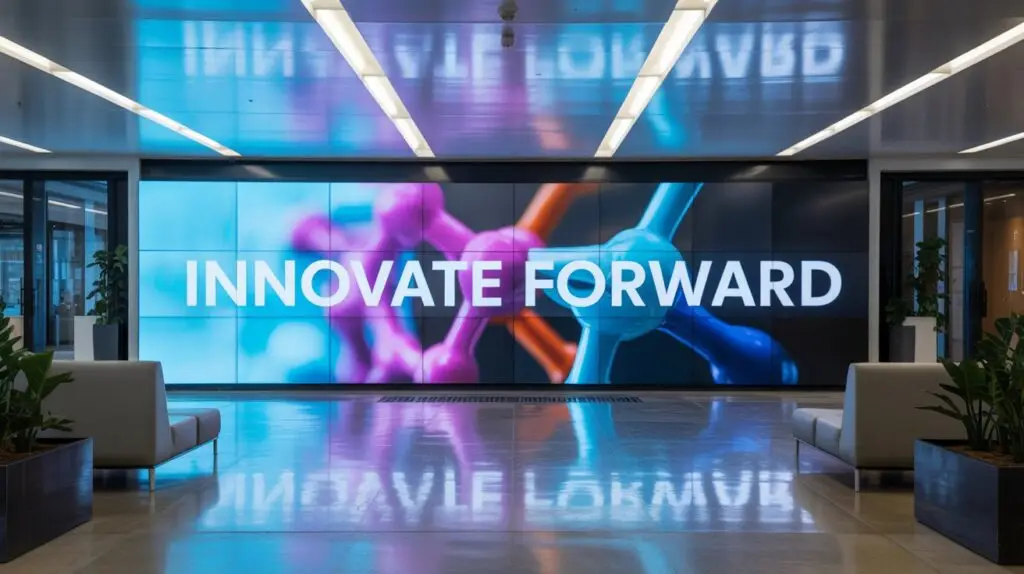
The tech behind corporate signage has four core parts. Each one matters, and cutting corners on any of them creates problems later. Here's what you need and why.
Displays
Commercial-grade screens rated for 16 to 24 hours of daily use. Consumer TVs fail within 12 to 18 months of continuous use. Commercial panels have better brightness, wider viewing angles, and warranties that cover business use. See the hardware guide.
Media Players
Dedicated hardware or system-on-chip (SoC) displays that run your signage software. SoC displays have the player built into the screen, cutting hardware costs and failure points. External players have more processing power for complex content.
CMS Platform
The software that runs scheduling, content distribution, user permissions, and remote monitoring. Look for role-based access so different departments can manage their own content without stepping on each other.
Network Infrastructure
Wired is better for reliability. Wifi works but can cause buffering and dropouts. A dedicated VLAN keeps signage traffic separate from corporate data and prevents bandwidth fights.
The most common mistake I see: buying consumer TVs to save money upfront. A 55-inch consumer TV might cost $400. A commercial display of the same size runs $1,200 to $2,000. The consumer TV burns out in a year under continuous use. The commercial panel runs for five to seven. The math isn't close.
Meeting Room Displays
Meeting-room displays are one of the highest-impact uses of corporate signage. Small screens outside conference rooms show the current booking, upcoming reservations, and room status at a glance. You get fewer scheduling conflicts, less time wasted hunting for open rooms, and a more professional visitor experience.
The best meeting-room displays plug straight into Microsoft 365 and Google Workspace calendars, pulling booking data on their own so nobody has to update anything by hand. Book a room in Outlook or Google Calendar, and the screen outside updates immediately. Some systems include QR codes that let employees grab an available room on the spot from their phone.
ROI on meeting-room signage is easy to measure. Track how many scheduling conflicts happen before and after deployment, survey employees on time spent finding rooms, and watch room usage rates. Organizations with 20 or more conference rooms usually see the fastest payback.

Manufacturing & Warehouse
Digital signage for manufacturing plants and warehouses has its own challenges and opportunities. Info needs are different from an office. Hardware has to be tougher. And the impact on safety and productivity is big.
- Live production KPIs: Real-time output, defect rates, and line efficiency visible to operators and supervisors
- Safety alerts: Immediate broadcast of hazard warnings, lockout/tagout reminders, and emergency notifications
- Shift schedules: Current and upcoming shift assignments, overtime opportunities, and staffing changes
- Quality reminders: Standard operating procedures, quality checkpoints, and inspection schedules
- Equipment status: Maintenance schedules, machine availability, and downtime tracking
Hardware considerations: Industrial environments require displays that tolerate dust, humidity, and temperature fluctuations. Use high-contrast layouts with large fonts that are readable from 15 to 20 feet away. Enclosures rated for the specific environment are often necessary to protect equipment.
Content strategy on a factory floor is totally different from an office. Workers can't stop to read a paragraph. Info has to come through as large numbers, color-coded status, and simple graphics. A production dashboard that shows output vs. target in a big, bold format beats a detailed text update every time.
Common Mistakes
After working on corporate signage deployments across dozens of organizations, I see the same avoidable mistakes over and over. Every one of these kills ROI and wrecks employee trust in the screens.
- Using consumer TVs instead of commercial displays. Consumer screens are not built for 16+ hour daily operation. They overheat, burn in, and fail within 12 to 18 months. The upfront savings vanish when you are replacing hardware every year.
- Running outdated content. Nothing destroys credibility faster than a screen showing last month's news or an event that already happened. Employees learn to ignore stale screens within days.
- Text overload. If a message takes more than 3 seconds to read, it gets skipped. Corporate signage is a glance medium. Keep headlines bold and body text minimal.
- Skipping the governance structure. Without clear content ownership, approval workflows, and refresh schedules, the system drifts into neglect. Assign responsibility before the first screen goes on the wall. The digital signage governance and standards guide walks through the five pillars worth putting in place from day one.
- Failing to measure impact. If you cannot show whether screens are improving engagement, reducing safety incidents, or saving print costs, the budget will be the first thing cut in the next fiscal year.
The pattern behind all of these mistakes is the same: treating digital signage as a tech purchase instead of a comms program. The hardware is just the delivery mechanism. Strategy, content, and ownership are what decide whether the investment pays off or collects dust.
Measuring ROI
Proving the value of corporate signage means writing down baselines before launch and tracking specific metrics over time. Organizations that measure keep their budgets and expand. The ones that can't show ROI eventually lose funding.
Here are the metrics that matter most for corporate signage programs.
- Employee engagement survey scores: Compare pre-deployment and post-deployment results, specifically questions about communication effectiveness and feeling informed
- Productivity gains: Measure reductions in time spent searching for information, fewer interruptions for routine questions, and faster response to company announcements
- Printing and design cost savings: Track what you spent on printed materials before signage versus after - posters, flyers, bulletin board materials, and event signage
- Safety compliance improvements: Monitor incident rates, near-miss reports, training completion percentages, and days without incidents before and after deployment
Critical: establish your baselines before launch. Run engagement surveys, document current printing costs, and record safety metrics in the months before your signage goes live. Without that baseline data, you have no way to prove what the screens are actually accomplishing. This is the step most organizations skip, and it is the one that matters most when it comes time to justify the investment or request expansion funding.
2026 Trends
Corporate signage is changing fast. The most forward-thinking organizations are already adopting these features, and they'll be standard within the next few years.
Interactive HR Kiosks
Self-service touchscreens where employees check PTO balances, review benefits, submit requests, and grab HR documents without scheduling a meeting or sending an email.
AI-Powered Personalization
Content that adapts by location, time of day, department, and audience. Morning screens show different content than afternoon screens. The break room shows different info than the lobby.
Deeper Integrations
Direct connections to Slack, Microsoft Teams, Asana, and other workplace tools. Pull live data from the platforms your team already uses instead of rebuilding it by hand for the screens.
Sustainability Focus
Energy-efficient displays with ambient light sensors, scheduled shutdowns during off-hours, and lower power draw. Organizations are factoring energy costs and environmental impact into signage decisions.
The integration trend is the big one. When your signage platform pulls directly from Slack channels, Teams announcements, or project management tools, you kill the manual content-creation bottleneck that makes most corporate signage programs go stale. The content stays fresh because it's pulled from the tools people are already updating every day.
- Corporate signage is for employees, not customers - that changes your entire content strategy.
- Assign clear content ownership or screens go stale within weeks.
- Keep messages readable in under 3 seconds.
- Commercial-grade displays rated for 16+ hour operation are essential.
- Integrate with tools your team already uses (Teams, Slack, calendars).
- Establish engagement baselines before launch to prove ROI.
Jordan Feil is an independent digital signage consultant with 17 years of industry experience. He has worked as a product manager at Navori Labs, a technical account manager, and a global marketing director before founding JAF Digital Consulting. He works with operators, vendors, and integrators on strategy, software selection, network audits, and go-to-market. No commissions, no vendor relationships that shape what he recommends.