Retail digital signage works when you treat it as a communication discipline, not a technology purchase. Buy screens without a content strategy and you have bought very expensive wallpaper. Build the strategy first, choose software your team will actually use, measure what matters, and start smaller than you think you need to.
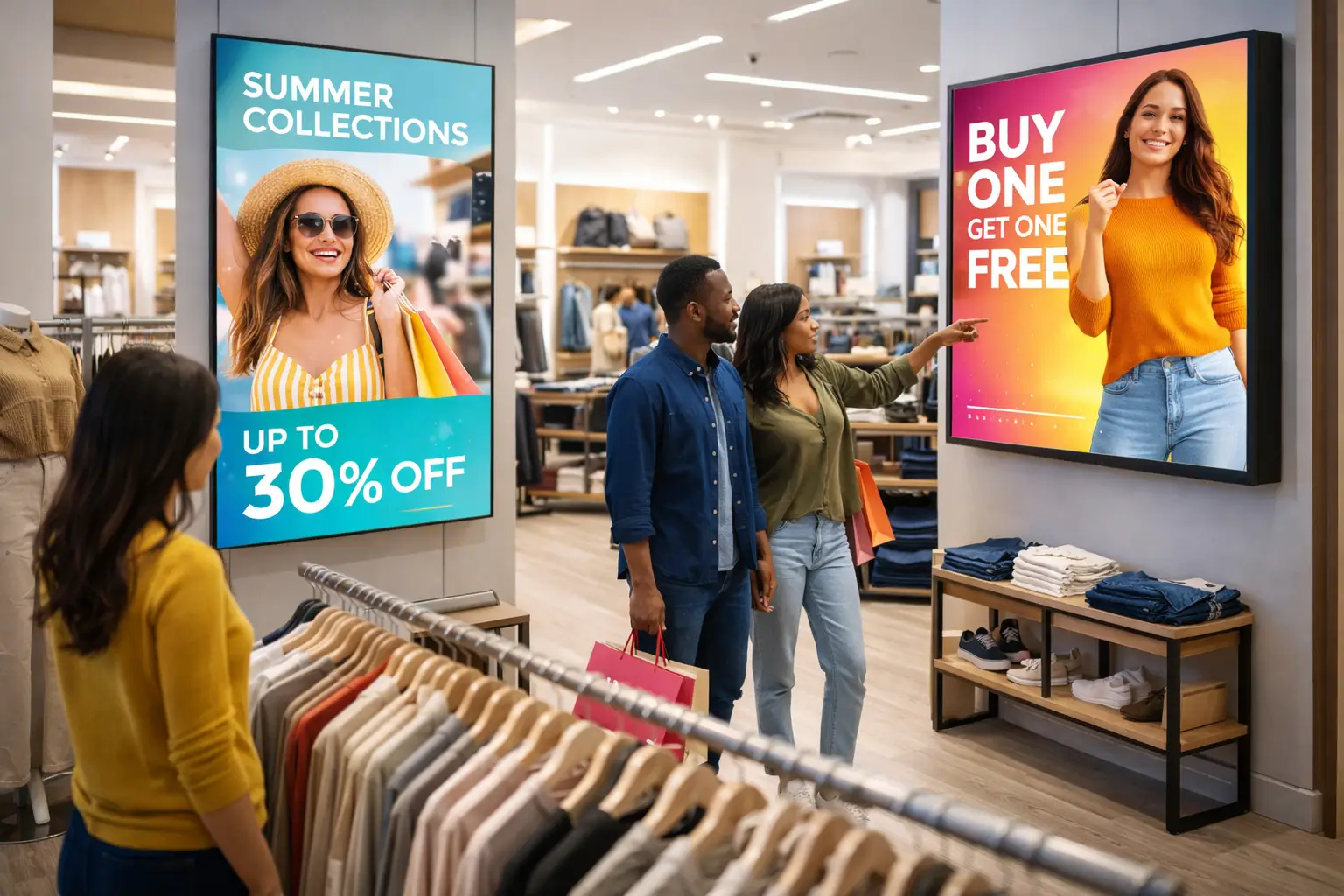
Here is something I have watched happen dozens of times in 17 years. A retailer spends $50,000 on screens across their stores. Month one, everyone is excited. The content looks great. Customers notice. Someone from corporate takes a photo for LinkedIn.
Month three: same content loop as launch day. Month six: half the staff has forgotten the login password. Month twelve: a manager asks if the screens can be turned off to save on the electricity bill.
That is not a technology failure. That is a strategy failure. And it is almost entirely avoidable.
Retail digital signage can genuinely transform how customers shop and how stores communicate. I have seen it work beautifully. I have also seen millions of dollars get turned into very expensive, very dim digital wallpaper. The difference almost never comes down to which screens you bought.
The Mistakes That Kill Retail Signage
1 Treating Screens Like Billboards
I once watched a major clothing retailer spend six figures on a video wall at their flagship store. The content? Generic lifestyle footage that could have been for literally any brand in any category. It looked expensive. It did nothing.
The problem was not the hardware. It was that they designed content for the screen instead of for the shopper standing in front of it.
Your in-store digital signage is not there to look cool. It is there to help someone make a decision faster. If a screen does not answer "what should I look at?" or "what is the offer?" within about three seconds, it is decoration. Expensive decoration.

2 No Content Plan After Launch
The number one thing that kills retail signage is not bad hardware, bad software, or bad wifi. It is running out of things to say.
Most retailers I work with create two or three weeks of content for launch, then nothing. The same promotions loop for months. Customers stop seeing it. Staff stops caring about it. And eventually someone starts using the screen to show a screensaver of a fireplace because at least that is something different.
The fix is simple but nobody wants to hear it: build a content calendar before you buy a single screen. If you cannot honestly commit to updating content at least twice a week, your screens will become background noise within 60 days. I have seen it too many times to pretend otherwise.
3 Skipping the "So What?" Test
Before anything goes on a screen, ask yourself: so what?
- "30% off select items" - so what? Which items? Where are they?
- "New fall collection now available" - so what? What makes it worth stopping for?
- "Follow us on Instagram" - so what? Why would anyone do that mid-shopping trip?
Every single frame needs a clear answer to that question. If you cannot articulate why a shopper should care in one sentence, the frame does not go up. This one rule would eliminate about 70% of the terrible retail signage content I see out there.
4 Letting IT Pick the Software
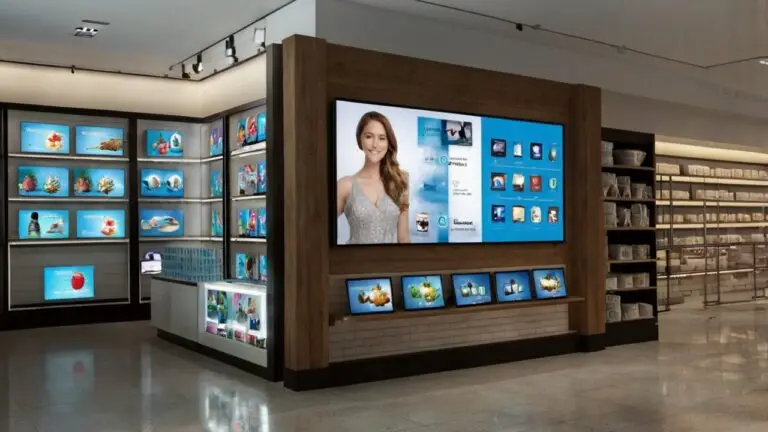
I have audited a lot of digital signage platforms. You know what kills more implementations than anything else? The CMS was chosen by the IT team based on technical specs, and the marketing team who has to use it every day was barely consulted.
The fanciest platform on the market means nothing if your team needs 45 minutes to swap out one image. The best system is the one people will actually use. That is it. That is the whole criteria.
Before you choose software, map out your real workflow. Who creates content? Who approves it? How often does it need to change? How technical is your team, honestly? Then pick software that fits that process, not the one with the longest feature list on the sales deck.
5 Measuring Screens Instead of Results
"Our screens have 95% uptime!" Great. Are they driving sales?
"We updated content 47 times this month!" Impressive. Did revenue go up?
Too many retailers track whether the technology is functioning instead of whether it is actually working for the business. Uptime is the floor, not the goal.
What matters is foot traffic to promoted sections, sales lift on featured products, and whether customers near screens convert at a higher rate. If you cannot tie your signage to a business metric, you cannot prove it is worth keeping. And when budget time comes around, screens without proof do not survive.
What Actually Works in Retail Digital Signage
Clear, Focused Messaging
Every screen should have one job. Not three jobs. One.
Whether it is pulling people off the street or helping a shopper choose between two products, each display needs to be focused on a single goal. A screen that tries to say everything says nothing.
Good retail digital signage content is short, readable from a distance, high contrast, and built around one primary message per frame.
Content Zones That Match Shopper Behavior
The best retail networks I have worked on divide the store into zones, each with its own content purpose.
Entry Screens
Attract and orient. Pull shoppers in and show them where to go.
Aisle Screens
Help shoppers compare and decide. Product highlights and offers.
Endcap Screens
Highlight what is new or seasonal. Drive impulse consideration.
Checkout Screens
Last-minute add-ons and loyalty signups. Capture the final moment.
When each screen has a defined job tied to where the shopper is in their journey, the whole network starts to feel intentional instead of random.
Software Your Team Will Actually Use
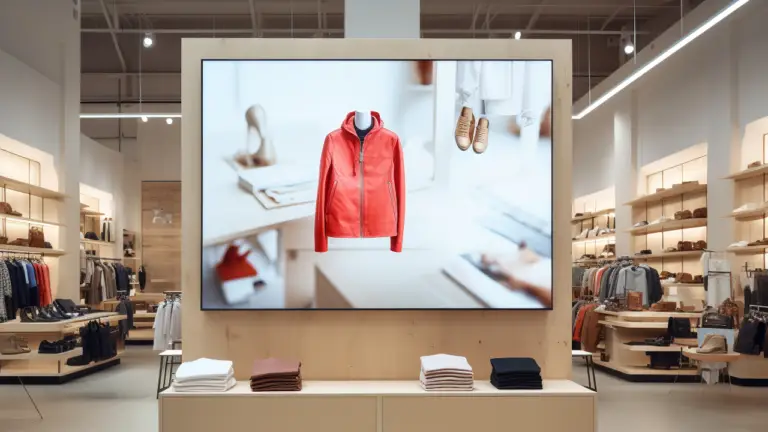
The right CMS for retail needs:
- Centralized control across locations
- Simple scheduling by time of day or region
- Role-based permissions so the right people can update the right things
- Integration with your POS or inventory data so content stays relevant automatically
If your current software makes updates feel like homework, that is why your content is stale. A digital signage software audit is usually the fastest way to figure out whether you have the wrong tool or just need better training on the one you have.
Dynamic Content Tied to Real Data
Static playlists are fine for getting started. But modern in-store digital signage can do a lot more: product availability updates, weather-triggered promotions, countdown timers for flash sales, loyalty program integrations.
These are not gimmicks. They are what keeps content relevant week to week without requiring your team to manually update every single frame.
Retail Media Networks as a Revenue Layer
A lot of retailers are now turning their in-store screens into actual revenue streams by connecting them to a retail media network. Brands pay to run targeted campaigns at the point of decision, right in your store, in front of your shoppers.
You get ad income. They get verified reach inside a physical space. Done right, it is one of the better ROI stories in retail marketing right now.
"Done right" is carrying a lot of weight in that sentence. In-store screens still take under 1% of all US retail media spending, and most networks are not built to sell. Five questions decide whether yours is ready, and they are worth working through before you pitch a single brand.
The "Start Small" Approach I Recommend
If you are just getting started, or starting over after a failed first attempt, here is the framework I give most retailers. Three screens, prove it works, then scale.
- Window display: Drive walk-ins with targeted messaging
- In-store promo screen: Today's deal, front and center
- Checkout screen: Impulse offers and loyalty signups
Update weekly. Measure what moves. Scale only after you can show the numbers.
I have seen retailers with three well-managed screens outperform competitors with 50 neglected ones. It is not about volume. It is about discipline.
For larger or multi-location retailers, the model shifts to what I call "template plus local." Corporate controls brand standards and major campaigns. Local stores can swap in region-specific offers or events. This only works if the CMS makes local updates genuinely simple - not "simple if you have been trained on it for three hours." If updates require training, stores will not do them. That is not laziness, that is human nature.
A Quick Reality Check on Those Industry Statistics
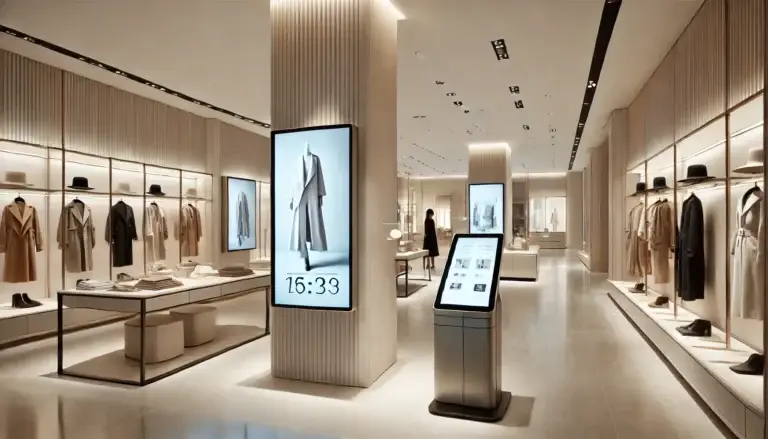
This comes from products actively promoted on screens versus products that are not promoted at all. It is not "install screens, get 31% more sales." The lift comes from strategic placement and timely messaging pointed at the right products. I have seen stores with great screens get zero lift because they promoted products that were already selling well and needed no help.
From stores that invested in window displays specifically designed to stop foot traffic, with content tailored to do exactly that. A great static poster can do the same thing. The digital part gives you flexibility and speed to test and update, not magic drawing power.
The numbers are real. The context matters. Anyone promising you a specific lift number before understanding your store, your category, and your content strategy is selling you something.
Retail Signage Trends Worth Paying Attention To
The National Retail Federation tracks these shifts closely, and a few things are actually worth your attention right now, as opposed to the usual trend-report fluff:
AI-Assisted Content Scheduling
Tools that automatically select and schedule content based on time, location, and foot traffic patterns are saving real time for multi-location operators.
Retail Media Network Integration
Accelerating fast. If you have a decent-sized store network and you are not at least exploring this, you are leaving money on the table.
Smarter Analytics
Dwell time, engagement zones, and content-to-conversion tracking are becoming accessible without enterprise budgets.
Omnichannel Alignment
If your in-store screens run different messaging than your app and website, that is a problem customers notice even if they cannot articulate why.
What Consulting Services Work Best for Retail?
For retail, the "best" consulting is anything that moves product and does not create more work for store staff. JAF Digital Consulting helps retailers:
- Plan storewide screen strategies
- Pick the right CMS and media players
- Tie content to promos and inventory
- Build workflows so marketing can update campaigns without sending 40 emails to every location

The Bottom Line
Retail digital signage works when you treat it as a communication discipline, not a technology purchase. Buy screens without a content strategy and you have bought very expensive wallpaper.
Build the strategy first, choose software your team will actually use, measure what matters, and start smaller than you think you need to.
If you have been through a failed rollout and want a second opinion on what went wrong, or you are planning a new network and want to avoid the usual mistakes, let's talk. I have seen enough of these go sideways to know exactly where the problems tend to start.
- Most retail signage fails because of strategy gaps, not technology problems.
- Build a content calendar before you buy a single screen.
- Every frame must pass the "so what?" test or it does not go up.
- Choose CMS software based on who has to use it daily, not who evaluates it once.
- Measure business outcomes (sales lift, foot traffic), not vanity metrics (uptime, update count).
- Start with three well-managed screens, prove value, then scale.
- Retail media networks can turn your screens into a revenue stream.