Hospital digital signage works when it solves real problems - lost visitors, anxious patients, slow emergency alerts, and overloaded staff. Facilities using wayfinding kiosks report 60% fewer lost visitor inquiries and 30-50% reduction in printing costs. The critical foundation is HIPAA compliance - zero patient health information on public displays, role-based access controls, encrypted data, and immutable audit trails.
What Is Hospital Digital Signage?
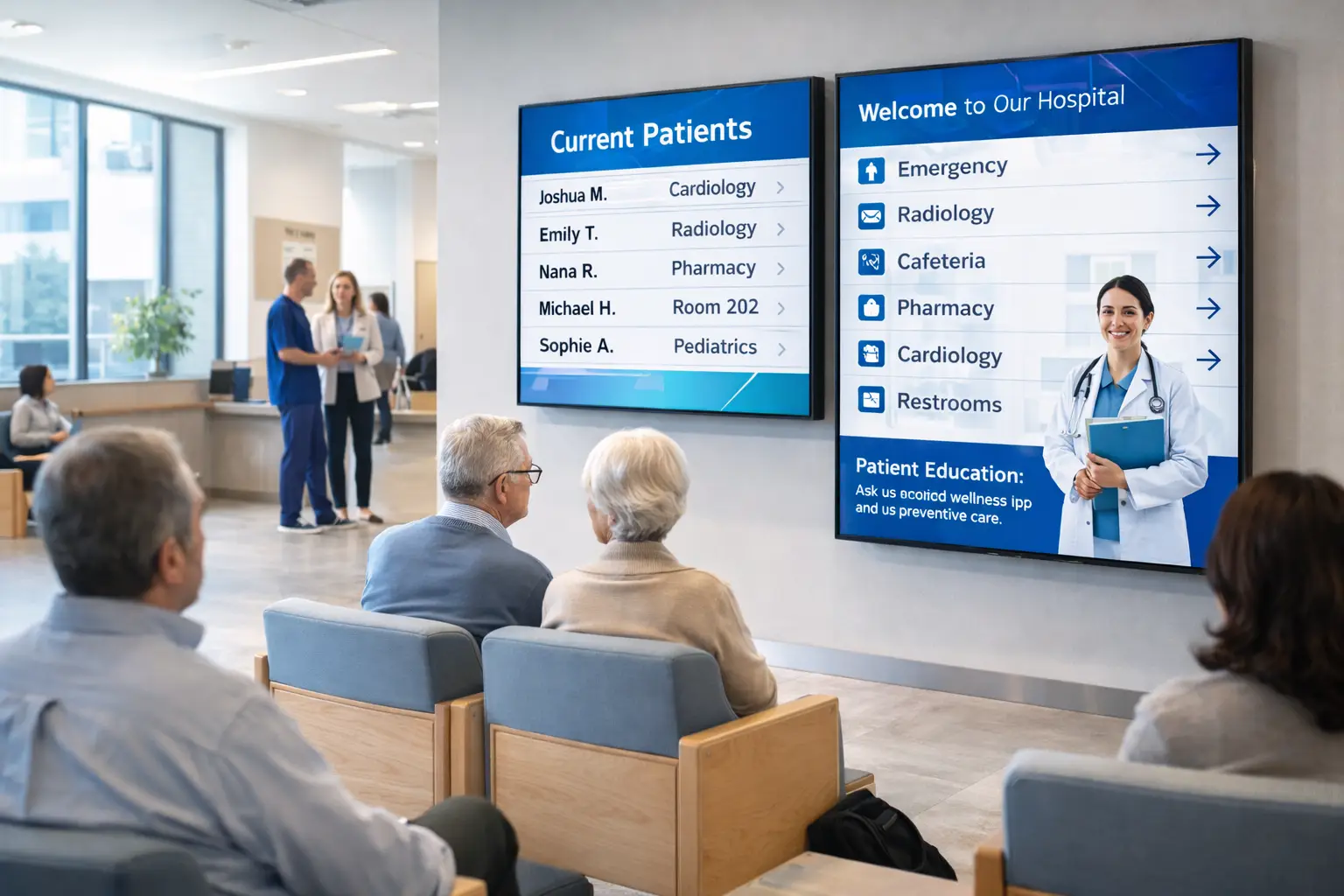
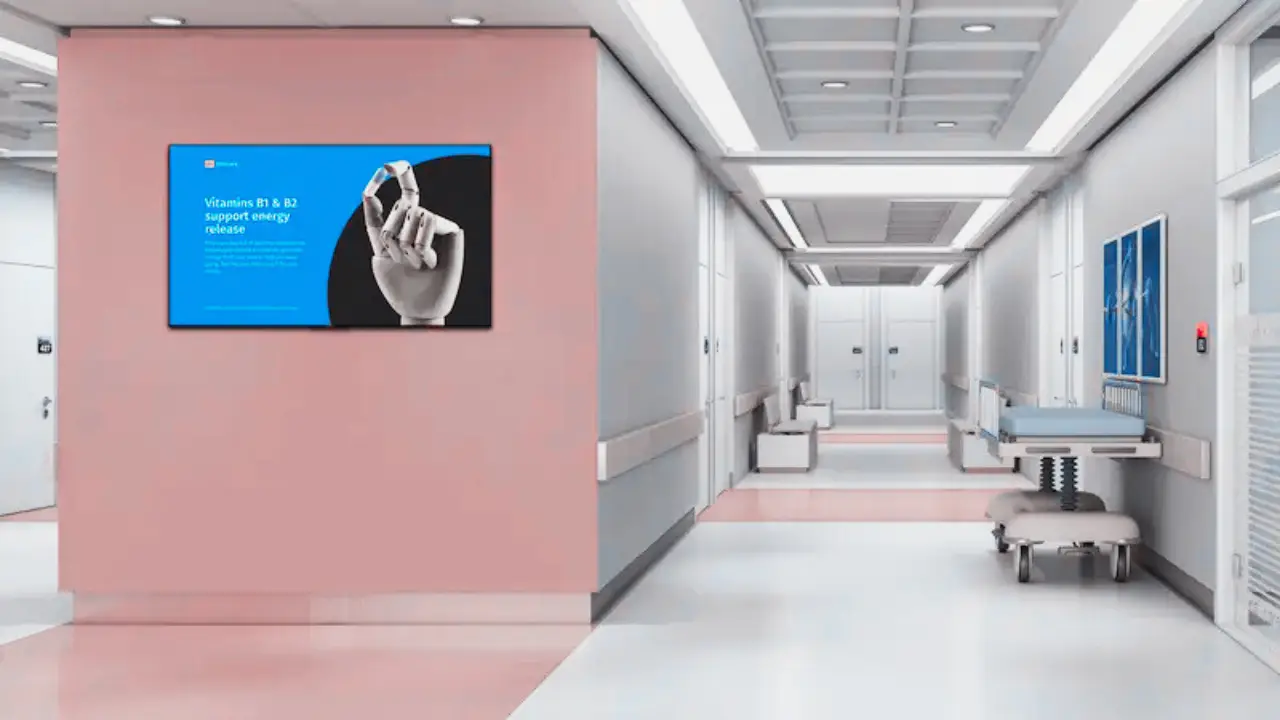
Hospital digital signage is a network of connected screens that share information with patients, visitors, and staff throughout a healthcare facility. It covers everything from lobby directories and wayfinding kiosks to waiting room queue displays, emergency alert systems, and internal staff communication boards.
The difference between hospital signage and signage in any other industry comes down to two things - the stakes are higher and the compliance requirements are stricter. A retail store can experiment with flashy promotions. A hospital needs every screen to serve a clear purpose because the people looking at them are often stressed, confused, or in pain.
At a technical level, every hospital signage network has four core components. The displays themselves - commercial-grade screens rated for 24/7 operation. Media players or system-on-chip (SoC) panels that drive the content. A CMS platform that manages scheduling, content approval, and role-based access. And secure networking infrastructure that keeps signage traffic isolated from clinical systems.
When these four components work together under a clear content strategy, the result is a communication system that actually helps people. When any one of them is missing or poorly implemented, you end up with expensive screens running stale slideshows that nobody trusts.
The ROI of Clarity
Hospital administrators want to know what digital signage actually solves before committing budget. Fair enough. The return on investment in healthcare signage is not about flashy screens - it is about eliminating specific operational pain points that cost time, money, and patient satisfaction every single day.
Here is how the math works out across the most common hospital challenges.
| Challenge | Solution | Outcome |
|---|---|---|
| Getting Lost | Interactive Wayfinding | 60% fewer lost visitor inquiries |
| Operational Waste | Digital Staff Comms | 30-50% printing cost reduction |
| Patient Anxiety | Queue/Wait Time Displays | Higher patient satisfaction (HCAHPS) |
| Compliance/Safety | Emergency Alert Overlays | Instant facility-wide alerts |
The wayfinding numbers alone make the case for most hospitals, and healthcare signage design research reinforces that evidence-based wayfinding directly reduces navigational stress. When visitors cannot find where they are going, they stop the nearest staff member. That staff member is pulled away from their actual job. Multiply that by hundreds of visitors per day across a large hospital campus, and you are looking at a significant drain on clinical and administrative resources. Interactive wayfinding kiosks cut those interruptions dramatically.
Wait time transparency has a different kind of value. Patients who can see where they are in a queue and get a realistic time estimate report significantly higher satisfaction scores. It does not make the wait shorter - it makes the wait feel more manageable. And in healthcare, perceived experience drives HCAHPS scores, which directly affect reimbursement rates.
High-Impact Use Cases
Not every screen in a hospital should do the same thing. The most effective healthcare signage networks treat each location as a distinct communication zone with its own purpose, audience, and content strategy. Here are the use cases that consistently deliver the most value.
Patient & Visitor Wayfinding
Turn-by-turn directions, department locations, and accessibility routing. Interactive kiosks let visitors search by doctor name, department, or service and get step-by-step navigation through complex campuses.
Queue Management
Wait time transparency using queue numbers - never patient names. Displays show estimated wait times, current queue position, and next-steps information. Reduces perceived wait time by 25 to 40%.
Patient Education
Health tips, procedure preparation info, and wellness content displayed during waiting periods. Screens in specialty waiting areas can show condition-specific educational material that helps patients feel informed.
Staff Communication
Replacing outdated bulletin boards with digital displays for shift updates, policy changes, training announcements, and operational alerts. Staff-facing screens in break rooms and workstations keep teams aligned.
Emergency Alerts
Crisis communication with instant override capability. Code alerts, severe weather warnings, lockdown instructions, and evacuation routing pushed to every screen in the facility within seconds.
The emergency alert capability deserves special attention. In a crisis, every second matters. A properly configured signage network can push facility-wide alerts instantly - overriding whatever content is currently playing. This is not a nice-to-have feature. For hospitals, it is a safety requirement that can save lives during active threat situations, severe weather events, or facility emergencies.

HIPAA and Security Requirements
This is the section that separates hospital digital signage from every other industry. Get HIPAA wrong and you are looking at fines, lawsuits, and reputational damage that no amount of good signage can undo. There is zero margin for error here.
- Zero PHI on public displays. No patient names, no medical record numbers, no appointment details, no diagnostic information. Use queue numbers for patient identification - never names.
- Role-based access controls (RBAC). Not everyone who touches the CMS should have the same permissions. Content creators, approvers, and administrators need separate access levels.
- Encryption in transit and at rest. All data moving between the CMS, media players, and displays must be encrypted. Stored content and configuration data must be encrypted on the device.
- Immutable audit trails. Every content change, login, and system modification must be logged in a way that cannot be altered. Compliance audits require complete records of who did what and when.
- Isolated signage network. Signage infrastructure must run on dedicated VLANs completely separate from clinical systems, EHR networks, and patient data. A compromised media player should never become a pathway into clinical systems.
- Content approval workflows. Every piece of content that goes on a public-facing screen should go through an approval process before it is published. No one person should be able to push content to patient-facing displays without review.
The network isolation point is worth emphasizing. Hospital IT teams are rightfully protective of their clinical networks. Digital signage is an IoT deployment, and every IoT device is a potential attack surface. Running signage on its own VLANs with strict firewall rules between the signage network and clinical systems is not optional - it is the minimum acceptable security posture.
When evaluating CMS platforms for healthcare, HIPAA compliance should be the first filter, not an afterthought. If a vendor cannot provide documentation of their HIPAA compliance capabilities - including BAA (Business Associate Agreement) readiness - move on to the next option.
Technology Requirements
Hospital environments are demanding. The technology stack needs to be reliable, secure, and built for continuous operation. Here is what each component needs to deliver in a healthcare setting.
Displays
Commercial-grade, 24/7-rated, UL-listed panels. Hospitals never close, and neither should your screens. Consumer-grade TVs will fail within months under continuous operation. Look for displays with built-in temperature management and anti-glare coatings for brightly lit clinical environments.
Media Players
Enterprise-grade players like BrightSign or SoC (system-on-chip) platforms built into commercial displays. Players need to support encrypted content delivery, remote management, and automatic failover so screens never go dark.
CMS Platform
HIPAA-compliant content management with API integration capabilities. The CMS must support role-based access, content approval workflows, emergency alert override, and integration with hospital systems like scheduling and queue management.
Network Infrastructure
Isolated VLANs completely separate from clinical systems. Dedicated bandwidth allocation, firewall rules between signage and clinical networks, and monitoring for unauthorized access attempts. Network design is a security decision, not just an IT convenience.
One of the most common mistakes I see is hospitals trying to repurpose consumer electronics for clinical environments. A $400 TV from a big-box store is not built to run 24 hours a day, 365 days a year in a hospital corridor. Commercial displays cost more upfront, but they are rated for continuous operation, carry proper UL certifications for healthcare environments, and come with warranties that actually cover the way you are using them.

Content Best Practices
The content on hospital screens needs to work harder than signage in any other environment. Your audience includes elderly patients with vision challenges, stressed family members scanning for information quickly, and staff who need updates at a glance between patient interactions. Every design decision should serve clarity first.
Design for Readability
Use large fonts with high contrast ratios. White text on dark backgrounds or dark text on light backgrounds - no exceptions. Avoid decorative fonts, thin weights, or anything that sacrifices legibility for aesthetics. If a patient standing ten feet away cannot read the screen comfortably, the font is too small.
One Message Per Screen
Each screen rotation should communicate a single idea in 5 to 7 seconds. That means one message, one action, one takeaway. Trying to pack multiple messages into a single frame overwhelms people who are already under stress. Let the rotation cycle handle variety - keep each individual frame focused.
Plain Language
No medical jargon on patient-facing screens. "Radiology" is fine because most people recognize it. "Interventional neuroradiology suite" is not. Use plain, direct language that anyone can understand regardless of their medical literacy. When in doubt, simplify.
Multilingual Support
Evaluate your patient demographics and provide content in the languages your community actually speaks. For hospitals in diverse communities, multilingual wayfinding and queue displays are not a luxury - they are an accessibility requirement. Content should rotate through languages or offer language selection on interactive kiosks.
ADA Accessibility
Interactive kiosks must meet ADA height and reach requirements. Screen placement should account for wheelchair users. Color choices must maintain sufficient contrast ratios for visitors with low vision. Audio components, where applicable, should include volume controls and headphone jacks.
- Minimum 24pt font for body text, 36pt or larger for headers
- High contrast ratios (minimum 4.5:1 for normal text)
- 5 to 7 second display time per screen rotation
- Plain language at or below a 6th-grade reading level
- Multilingual content matching patient demographics
- ADA-compliant kiosk placement and interaction design
Common Mistakes
Healthcare signage projects fail for predictable reasons. Every one of these mistakes is avoidable with proper planning - and every one of them is expensive to fix after the fact.
- Prioritizing flash over function. Hospital signage is not a branding exercise. It is a communication tool for people who are stressed and need clear information. Animated transitions and lifestyle imagery mean nothing if visitors still cannot find the cardiology department.
- Treating signage like entertainment TV. Screens playing news channels or generic content loops in waiting rooms are not digital signage - they are televisions. Real hospital signage delivers actionable information like wait times, queue positions, and wayfinding.
- Poor network security segregation. Running signage on the same network as clinical systems is a HIPAA liability. Every media player is an IoT device. Every IoT device is an attack vector. Isolate signage on dedicated VLANs with strict firewall rules.
- No dedicated content ownership. If nobody owns the content, the screens go stale within months. Assign a specific person or team to manage content updates, review schedules, and approval workflows. This is not a part-time afterthought - it is a real operational responsibility.
The content ownership problem is the one I see most often. A hospital spends significant budget on hardware, installation, and software licensing. The screens look great on day one. Three months later, the lobby directory still lists a doctor who left the practice, the wayfinding maps do not reflect the new wing that opened last month, and the emergency preparedness content was never updated after the last policy revision. The technology works. The operational commitment was never there.
Before you buy a single screen, answer this question - who will own the content, what is their update schedule, and what happens when they leave the organization? If you do not have clear answers, you are not ready to deploy.
Bottom Line
Hospital digital signage is not about screens. It is about helping people navigate one of the most stressful experiences of their lives. Lost visitors, anxious patients waiting for updates, staff who need real-time information - these are the problems that justify the investment.
Start with the problem, not the technology. Define what each screen needs to accomplish before you evaluate a single vendor. Build HIPAA compliance into the foundation - not as an add-on after deployment. Choose commercial-grade hardware that can handle 24/7 operation in a clinical environment. And assign someone to own the content from day one.
The facilities that get healthcare signage right see measurable improvements: fewer lost visitors, higher patient satisfaction scores, faster emergency communication, and lower printing costs. The ones that get it wrong end up with expensive screens running forgotten slideshows in the lobby. The difference is not the technology. It is the strategy behind it. If you need help planning or rescuing a hospital signage deployment, see my digital signage consulting services.
- Start with the problem (lost visitors, anxious patients) not the technology.
- Zero patient health information on public-facing displays - ever.
- Use queue numbers instead of patient names for HIPAA compliance.
- Isolate signage networks from clinical systems using VLANs.
- Commercial-grade 24/7 displays are non-negotiable in healthcare.
- Assign dedicated content ownership or screens go stale within months.
Jordan Feil is an independent digital signage consultant with 17 years of industry experience. He has worked as a product manager at Navori Labs, a technical account manager, and a global marketing director before founding JAF Digital Consulting. He works with operators, vendors, and integrators on strategy, software selection, network audits, and go-to-market. No commissions, no vendor relationships that shape what he recommends.