Digital signage as a service is a subscription model where a specialist team manages your entire signage operation - strategy, hardware, software, content, and support - for a monthly fee of $50 to $200 per screen. You control messaging and goals while the provider handles day-to-day operations. Most businesses see ROI within 3 to 6 months. It works best for teams without dedicated AV staff, multi-location brands, and any program tied to revenue or compliance.

What Is Digital Signage as a Service?
Digital signage as a service is a subscription model where a specialist team manages your entire signage program end to end. Instead of hiring in-house AV staff, purchasing hardware outright, and learning a CMS from scratch, you pay a monthly fee and let the provider handle all of it.
The pitch is simpler than the category name: you tell them what you want your screens to accomplish, they build and run the system to get there. Drive foot traffic, reduce perceived wait times, promote products, communicate with employees. The provider figures out how to make that happen operationally so you don't have to.
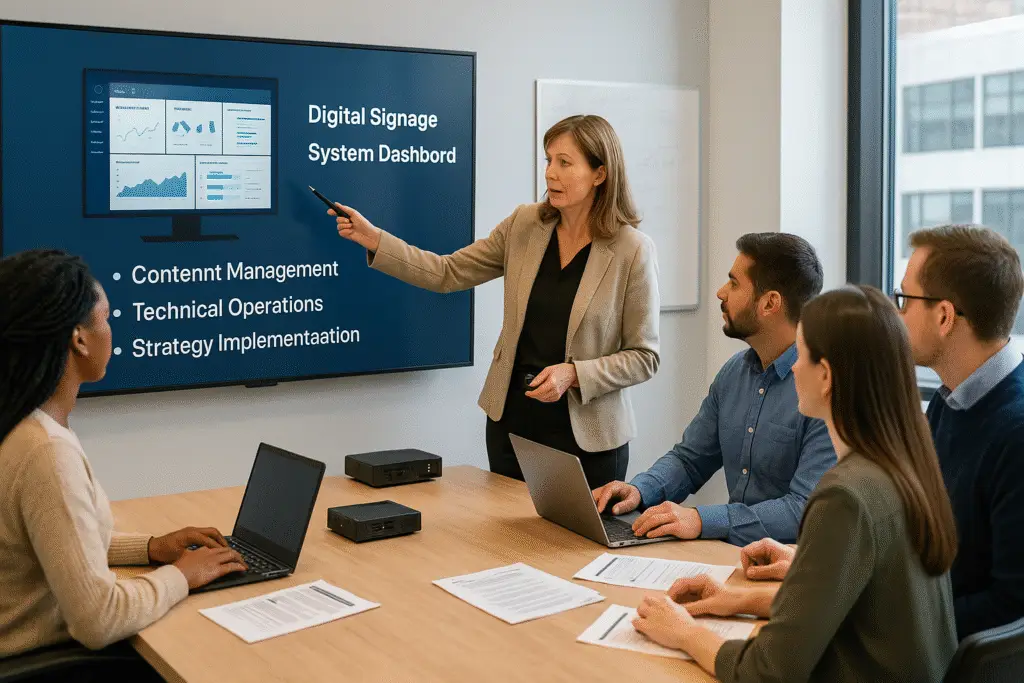
A typical managed service provider handles five core areas:
- Strategy and planning: Defining where screens go, what content plays, and how success gets measured
- Hardware and installation: Sourcing commercial-grade displays, media players, mounts, and coordinating installers
- Software and user setup: Configuring the CMS, building playlists, setting permissions, and integrating data feeds
- Content creation and scheduling: Designing templates, producing graphics and video, managing dayparts and playlists
- Monitoring and support: Watching device health 24/7, handling tickets, resolving outages, and delivering performance reports
What this actually means for most buyers: you stop spending management bandwidth on a technology problem and redirect it toward the business outcomes you were trying to achieve in the first place. The provider brings the expertise and tooling. You own the goals.
How It Works
A managed signage engagement follows a predictable process. The specifics vary by provider, but the general workflow looks the same whether you are deploying five screens or five hundred.
Plan the Network
The provider conducts a location analysis, assesses your audience and traffic patterns, and defines placement strategy. This is where goals get translated into a screen plan.
Set Up Hardware
Screen and media player selection based on environment requirements. The provider coordinates with certified installers for mounting, cabling, and network connectivity.
Configure Software
CMS setup including user accounts, role-based permissions, playlist structures, and any third-party integrations like POS or weather feeds.
Create and Manage Content
The team builds templates, designs graphics, produces video assets, and schedules content across dayparts. Updates happen on a cadence tied to your business rhythm.
Monitor and Support
24/7 network surveillance catches device failures, connectivity drops, and playback errors. Support tickets get handled within SLA response windows without burdening your internal team.
Keep Tech Updated
The provider rolls out new features as they become available - AI-driven content, sensor integrations, retail media network capabilities, and real-time data feeds.
This is what separates managed from "here's your hardware and a user manual." The engagement doesn't end at install. The provider owns the uptime problem, the stale content problem, the "this player keeps rebooting" problem. For the life of the contract, it stays their problem, not yours.
Managed Service vs DIY
The honest version of this comparison: most teams that go DIY underestimate the ongoing workload. Hardware fails, content goes stale, the CMS nobody fully learned sits idle. The choice isn't really about features. It's about whether your team will actually maintain what gets built after launch.
| Feature | Managed Service | DIY |
|---|---|---|
| Upfront Costs | Low to moderate | High |
| Time to Launch | Weeks | Months |
| In-House Expertise | Not required | Essential |
| Content Quality | Professionally produced | Team-dependent |
| Scalability | High | Limited |
| 24/7 Support | Included | Not included |
DIY makes sense when you have a dedicated AV or IT team, a clear content strategy already in place, and the internal resources to keep the system running long term. If you have all three, managing signage internally can give you more control and potentially lower costs at scale.
Managed service makes sense when you need to move fast, your team is already stretched thin, or signage is not a core competency you want to build internally. The monthly fee replaces the need to hire, train, and retain signage-specific talent.
Why Businesses Choose Managed
Most teams that choose managed don't get there from a feature matrix. They get there after watching a screen go dark for two weeks because nobody had time to fix it, or after estimating what it costs to hire someone who actually knows how to run a signage network. The math changes fast once you add that up.
Scales Without Burnout
Adding new locations means coordinating hardware logistics, installer schedules, CMS configuration, and content deployment for every site. A managed provider absorbs that complexity. Your team approves the plan. The provider executes it. Whether you are rolling out 5 screens or 500, the workload on your end stays roughly the same.
Delivers Real Data
Managed providers track playback confirmation, device uptime, viewership patterns, and message effectiveness. You get regular reports that show what is working and what needs to change. Most DIY operations never set up meaningful analytics because nobody has time to configure dashboards after the install is done.
Keeps Technology Modern
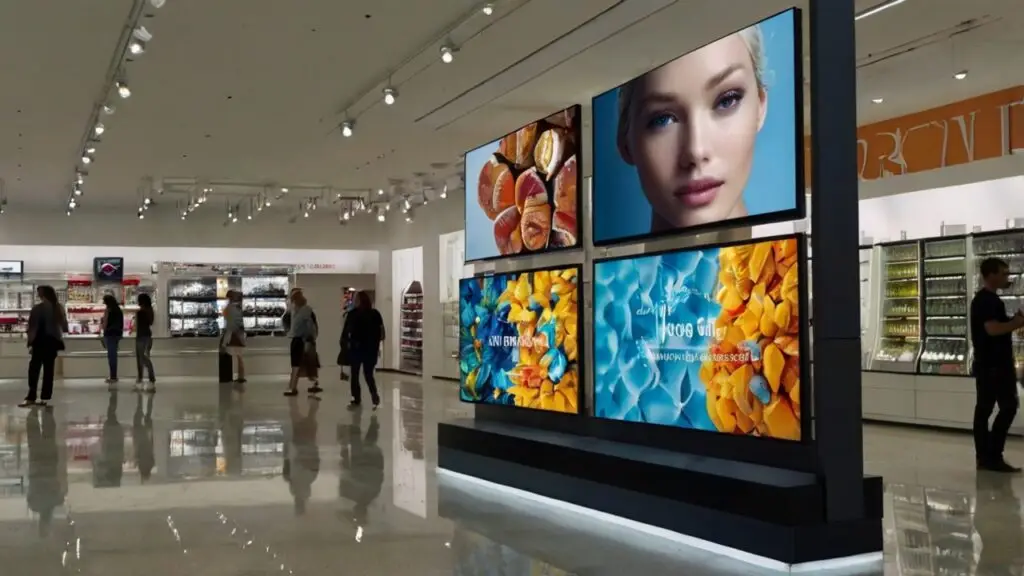
The signage industry moves fast, and global DOOH ad spend forecasts show just how rapidly the market is expanding. AI-generated content, sensor-triggered displays, retail media network integrations, and real-time data feeds are all becoming standard. A managed provider stays current because it is their core business. Your team gets access to new capabilities without having to evaluate, test, and deploy them independently.
Who Benefits Most
Managed digital signage is not the right fit for every organization. But there are specific profiles where the model consistently delivers outsized value. If your business matches one of these descriptions, managed service is worth serious consideration.
Retailers and Franchises
Consistent in-store messaging across dozens or hundreds of locations. Managed service ensures every store reflects the same promotions, pricing, and brand standards without relying on individual store managers to update screens.
Small or Overloaded IT Teams
When you have no dedicated AV staff and your IT team is already stretched across a dozen priorities, adding signage management to their plate is a recipe for stale content and ignored alerts.
Healthcare Networks
Compliance messaging and uptime are critical. Waiting rooms, lobbies, and wayfinding displays need to be accurate and operational at all times. Managed providers deliver the SLAs that healthcare environments require.
Corporate Offices
Internal communication screens in lobbies, break rooms, and meeting spaces keep employees informed. Managed service handles content scheduling and device maintenance so the facilities team can focus on other priorities.
Transportation Hubs
Airports, train stations, and transit centers depend on real-time information displays. The stakes for downtime are high, and the technical complexity of integrating live data feeds makes managed service a natural fit.
Fast-Growing Brands
New location rollouts happen on tight timelines. A managed provider can deploy signage at a new site in days instead of weeks because the process is already templated and the vendor relationships are already in place.
Pricing
Managed digital signage typically costs $50 to $200 per screen per month. That range is wide because pricing depends on several variables, and not all providers bundle the same things into their base rate.
The main factors that affect your monthly cost:
- Hardware inclusion: Some plans include the display and media player in the monthly fee. Others require you to purchase or lease hardware separately.
- Content frequency: A plan with weekly content updates costs more than one with monthly refreshes. Custom video production pushes the price higher than template-based designs.
- Screen specifications: Standard displays are cheaper to support than outdoor-rated, high-brightness, or video wall configurations.
- SLA response times: Faster response windows and guaranteed uptime percentages come at a premium. A 4-hour response SLA costs more than next-business-day coverage.
- Advanced features: AI content generation, sensor triggers, data feed integrations, and retail media capabilities add to the monthly cost.
- Network scale: Larger deployments typically get volume discounts. A 200-screen network will pay less per screen than a 10-screen setup.
A solid managed service plan should include these at minimum:
- Hardware lease or procurement coordination
- CMS licensing and configuration
- Content planning and scheduled updates
- 24/7 remote monitoring and alerting
- Software updates and security patches
- Help desk support within defined SLA windows
- Monthly performance reporting
If a provider is not including monitoring and support in the base price, you are not getting a managed service. You are getting a software subscription with an install.
Choosing a Provider
Not all managed signage providers are built the same. Some are hardware vendors who added a service layer. Others are software companies that partner with installers. The best ones are operations-focused teams that treat signage as a communication system, not just a technology deployment.
Here is what to evaluate before signing a contract.
Industry Experience
Ask for case studies that match your sector. A provider with deep retail experience may not understand healthcare compliance requirements. Look for references from businesses similar to yours in size, industry, and deployment complexity.
Platform and Features
Evaluate the CMS they use. Is it cloud-based with remote management? Does it support the integrations you need - POS, weather, social media, internal data feeds? Can it handle your content formats and scheduling requirements? A software audit can help you evaluate platform capabilities objectively.
Support and SLAs
Understand exactly what support looks like. What are the help desk hours? Is there emergency coverage for after-hours outages? What are the response and resolution time commitments? Get these details in writing before you sign.
Contract Clarity
Read the fine print on contract terms, auto-renewal clauses, termination procedures, and content ownership. You need to know who owns the content your provider creates. You need to know what happens to your hardware and data if you switch providers.
- No case studies or references available. If a provider cannot show you real results from real clients, proceed with caution.
- Vague SLAs. "We respond quickly" is not an SLA. You need defined response times and escalation procedures in the contract.
- Content ownership is unclear. If the provider owns the content they create for you, you lose everything if you leave. Clarify this before signing.
- Long lock-in periods with no exit clause. A 3-year contract with no early termination option is a significant risk, especially with a new provider.
Calculating ROI
The ROI case for managed signage is built on two pillars: what it costs you and what it saves you. Most businesses that run the numbers properly find payback within 3 to 6 months. Here is how to frame the calculation for your organization.
What It Costs
- Monthly service fees: $50 to $200 per screen depending on plan tier and inclusions
- Setup and onboarding: One-time fees for site surveys, installation, and initial configuration
- Hardware: Either included in the monthly fee or purchased separately depending on the provider
- Content creation: Included in some plans, billed separately for custom video production or specialized design work
What It Saves
- IT staff time: No need to troubleshoot players, manage CMS updates, or handle device failures internally
- Reduced downtime: Proactive monitoring catches problems before they become outages. Less downtime means more screen time delivering value.
- Faster deployment: Weeks instead of months to go live. Every week of delay is a week of missed revenue opportunity.
- No training costs: Your team does not need to learn CMS administration, content design, or network diagnostics
- No emergency repair bills: Hardware failures and software issues fall on the provider, not your budget
The Payback Math
Most businesses see full payback within 3 to 6 months when you factor in time savings, reduced downtime, and the revenue impact of having screens operational faster. The 33% average sales increase that digital signage delivers makes the math even more favorable for revenue-facing deployments like retail, restaurants, and hospitality.
The businesses that struggle with ROI are usually the ones where screens are not tied to a measurable outcome. If your signage is decorative, the ROI will be hard to prove. If it is driving sales, reducing wait time perception, or replacing expensive manual processes, the numbers tend to work out quickly.
Bottom Line
Digital signage as a service is not about outsourcing for the sake of outsourcing. It is about getting screens operational faster, keeping them running reliably, and making sure the content on them actually does something useful - without building an internal team to make that happen.
The model works best when you are clear about what you want your screens to accomplish and you pick a provider who has done it before in your industry. It does not work when you treat it as a set-it-and-forget-it purchase. Managed does not mean hands-off. You still own the messaging, the goals, and the business context. The provider handles everything else.
There is also a middle path between a full managed service and building a team: keep your platform and your people, and bring in a Fractional Head of Digital Signage to own the roadmap and the vendors for a few hours a month.
If you're not sure yet, a software audit is a reasonable place to start. It tells you what you actually have, what gaps exist, and which pieces are realistic to run internally. The answer isn't always managed service, but you should know what you're actually deciding before you sign anything.
- Managed service costs $50 to $200 per screen per month including hardware, software, content, and support.
- Most businesses see ROI within 3 to 6 months through time savings and reduced downtime.
- Best for teams without dedicated AV staff or multi-location brands needing consistency.
- Always clarify content ownership and exit procedures before signing.
- Ask for case studies and references in your specific industry.
- Managed does not mean hands-off - you still control messaging and goals.
Jordan Feil is an independent digital signage consultant with 17 years of industry experience. He has worked as a product manager at Navori Labs, a technical account manager, and a global marketing director before founding JAF Digital Consulting. He works with operators, vendors, and integrators on strategy, software selection, network audits, and go-to-market. No commissions, no vendor relationships that shape what he recommends.