Launch day is the easy part. Most digital signage networks start showing real problems between day 14 and day 75, and almost none of them are the problems your integrator warned you about. Small technical glitches surface first, then content ops quietly falls apart, then someone important walks past a screen showing last month's event. This is a walkthrough of what actually breaks, when, and how to catch it before your network becomes the thing nobody wants to talk about in the next QBR.
Launch Day Is Not the Finish Line
Here is the pattern I see over and over. A company spends six months planning a signage rollout. They write the RFP, pick the vendor, order the displays, run a pilot, and schedule the go-live. The day the screens light up, the project team celebrates, the Slack channel quiets down, and everyone moves on to the next thing.
Then 90 days pass.
The screens are still on, mostly. The content has not been updated in six weeks. Two players are showing the wrong playlist and nobody noticed because nobody is watching. The person who was trained on the CMS switched teams. Someone is asking why we spent this much money on lobby TVs that show the same three slides their phone shows better.
The deployment did not fail. It just quietly stopped being something anyone uses intentionally. And almost every time, the failure was built in before launch, not after.
Below is a phase by phase look at what typically breaks, why, and what to do about it. If you are reading this before your own go-live, even better. Use it as a pre-flight checklist. If you are reading it three months in and nodding, that is also fine. Most of this is fixable.
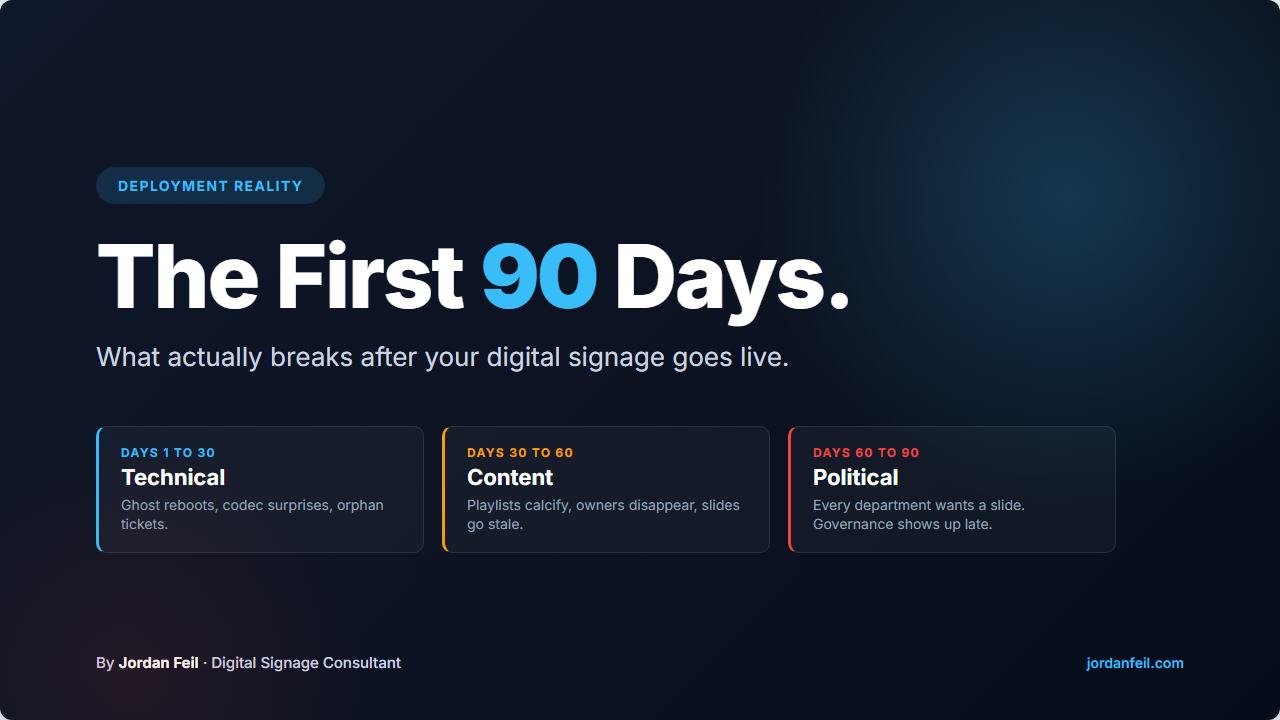
Days 1 to 30: The Technical Honeymoon Wears Off
The first month is the one everyone thinks will be the hardest. It usually is not. Your integrator is still engaged, your project manager is still watching Slack, and the vendor is motivated because you are a fresh case study. When something breaks in week one, someone fixes it fast.
The real problems start showing up in week three, when the integrator hands off and the list of small, nagging issues starts building. Here are the usual suspects.
The ghost reboot
A player reboots overnight for reasons nobody can trace. Firmware update, power blip, scheduled maintenance on another system. It comes back online but with the wrong playlist or a blank screen.
The orientation flip
Portrait screen comes back in landscape after a firmware push. Whoever originally set rotation in the player BIOS or CMS config is not the person watching the dashboard today.
The Wi-Fi drop
One screen keeps going offline. Turns out it is on the guest network, or IT changed a VLAN rule, or the access point it depends on reboots every Tuesday at 3 AM as part of a maintenance window nobody told you about.
The codec surprise
A video someone uploaded plays fine on their laptop but chokes on the player. H.265, variable frame rate, an audio track the hardware cannot decode. The file was approved. Nobody tested it on the actual device.
The permissions tangle
Two people try to publish at the same time and one accidentally overwrites the other. Or a new hire cannot log in because user provisioning was a one-time thing the integrator did at kickoff.
The ticket that nobody owns
Something breaks. The user emails marketing. Marketing emails IT. IT emails the vendor. The vendor asks for logs the user cannot access. Two weeks later the screen is still broken.
What this phase actually tests is not the hardware or the software. It is whether you have a named person who owns day 2 operations and a support path that does not bounce tickets between three teams. If you do not, even small issues will age into big ones fast.
Before day 30, write down who owns what. Screen is broken, who do users call? Content needs updating, who publishes? Player offline at 2 AM, who sees the alert? If any of those questions do not have a name next to them, the network is running on luck.
Days 30 to 60: The Content Wall
By week five, the hardware mostly behaves and the obvious bugs are ironed out. This is when the interesting failure mode shows up. The one most executives do not see coming because it does not look like a failure. It looks like content.
The launch playlist was built by a project team with a deadline. It had a kickoff message, a few testimonials, maybe a looping brand reel, and some placeholder slides for the things the team had not figured out yet. It looked great on day one.
Now it is day 45, and the playlist is still the launch playlist.
This is the content wall. It arrives on schedule in almost every deployment that did not plan for it, and it kills more signage projects than any hardware failure.
Nobody owns the content calendar
The marketing team assumed communications would do it. Communications assumed marketing would do it. Nobody does it. Playlists calcify into a handful of rotating slides that get stale faster than anyone admits.
The first few updates are work
The launch team built templates, but only for the slides they needed on day one. Adding a new event poster or a department announcement means opening the CMS, figuring out the layout, building something that matches the brand, and publishing it. That is more work than writing a Slack message, so people just write Slack messages.
The feedback loop is missing
Nobody tracks whether the screens are being watched or whether a piece of content moved a behavior. Without a feedback loop, the network becomes invisible furniture and the budget next year becomes a very easy conversation.
Content debt starts compounding
The "holiday hours" slide is still showing in February. A product that was discontinued still has a promo slide. A training reminder went stale in week two. Every stale slide erodes trust that anything on the screens is current.
Fixing the content wall is less about the CMS and more about operations. You need a named content owner, a realistic publishing cadence, a simple approval path, and templates that let someone non-technical produce an on-brand slide in under 15 minutes. Without those four things, day 60 looks the same as day 30, which looks the same as day 90.
If your team is stuck here, a workflow and training engagement is usually the cheapest fix. It is also the one most overlooked. If you want a self-serve starting point first, the digital signage training guide covers role-based frameworks you can implement before committing to an engagement.
Days 60 to 90: The Political Reality
The last stretch of the first 90 days is where the organizational stuff catches up with you. Technical issues are mostly triaged. Content is either flowing or it is not. Now the network has to survive contact with the people who were not in the planning meetings.
Three things usually show up here.
Every department wants a slide
HR wants a benefits reminder. Facilities wants a badge policy. The CFO wants the quarterly numbers. Everyone has a priority, and the playlist turns into a parking lot of unrelated messages that dilute whatever the network was actually supposed to do.
Someone important notices
A VP walks past a screen that is showing a corrupted video loop, an old promo, or nothing at all. Now you are explaining the state of the network to someone who did not approve the budget for it but now has opinions about it.
The original champion moves on
The executive who sponsored the project takes a different role, goes on parental leave, or just loses interest because the thing is "done." Without a champion, the network has no advocate when the next budget cycle comes around.
This phase is not really about the signage. It is about governance. Who decides what goes on screens, who says no, and how that decision gets made without the CEO's partner sending a note about the cafeteria sign. If you skipped governance at planning time because it sounded boring, day 75 is when that shortcut shows up on the bill. For the full framework, see the digital signage governance and standards guide.
If by day 60 the content approval path is whatever the loudest requester decides it should be, you are on track for a governance crisis. Write down the rules before someone senior sets them by accident. A simple one-pager covering who owns the network, how to request a slide, what gets auto-approved, and what needs review will carry you further than most people expect.
The 90-Day Pressure Test
Here is a checklist I use when a client wants to know whether their first 90 days went well. It is short on purpose. If any of these come back red, the deployment needs attention before it becomes a writeoff.
- Uptime per screen is being measured, per device, not just averaged across the network. A 98 percent network average can still hide one screen that is down 40 percent of the time.
- Proof of play is available and someone reviews it. Not every month. At least weekly for the first quarter. If nobody reviews it, nobody knows what is actually running.
- The content calendar has owned slots, not wishlists. Every recurring slot has a name next to it and a cadence. If a slot is "whenever marketing has time," that slot will go stale.
- Stale content is flagged automatically or by someone whose job it is to look. If spotting stale content depends on a VP walking past the wrong screen, the process is broken.
- Support tickets have a single entry point and a target response time. Not three inboxes and a prayer. One queue, one owner, one timer.
- At least one metric ties the network back to a business outcome. Foot traffic, engagement, comprehension, internal awareness, whatever fits your use case. If you cannot tie the network to a result, the budget conversation next year is going to be rough.
- The governance rules are written down. Who can request a slide, how requests are reviewed, what gets escalated. Keep it on a one-page doc and share it with every requester.
- There is a named successor if the current operator leaves tomorrow. Handoff is not optional. Write the runbook now, not during the exit interview.
Pass seven of eight and the network is in good shape. Five or six and you have work to do, but you caught it in time. Four or fewer and you are running on the momentum of launch day, which is going to expire soon.
How to Avoid Most of This the Next Time
Almost every failure mode above traces back to the same root cause. The project plan covered everything up to launch, and nothing after.
The fix is not complicated. It is just unglamorous, which is why it gets skipped.
Build a day 2 plan before launch
Assume launch day will go fine. Plan for the 12 months after it. Who owns content, who owns ops, what the support path is, how often you review the network, what success looks like at day 30, 60, 90, 180.
Pick your metrics before you pick your screens
If you do not know what you are measuring, you will not measure it. Decide the two or three numbers that matter at the strategy stage, then design the CMS reporting, the content calendar, and the governance around those numbers.
Name a network owner, not a project manager
Project managers deliver launches. Network owners run operations. Those are different jobs with different skills. Name both, even if they are the same person, and make the handoff explicit.
If nobody on staff can own it, the seat can be filled part-time. The Fractional Head of Digital Signage retainer exists for exactly this gap.
Budget for content, not just hardware
The cheapest signage network is one that goes stale and gets turned off. Budget for an ongoing content operation from day one, even if it is half a headcount or a retainer with an outside team.
If you want a second set of eyes on your rollout plan before you go live, or a diagnostic on a deployment that is already showing cracks, that is exactly the work I do. Independent, no commissions, no vendor affiliations.
- The first 90 days fail in three phases, technical, content, and organizational.
- Most technical issues in the first month are small and fixable; missing ownership is what makes them age.
- The content wall arrives around day 45 in almost every deployment that did not plan for ongoing operations.
- Governance gets set by accident between day 60 and day 90 if nobody sets it on purpose.
- Pass at least seven of the eight checks in the 90-day pressure test and the network is healthy.
- Plan for day 2 operations before launch day, not after.
Jordan Feil is an independent digital signage consultant with 17 years of industry experience. He has worked as a product manager at Navori Labs, a technical account manager, and a global marketing director before founding JAF Digital Consulting. He works with operators, vendors, and integrators on strategy, software selection, network audits, and go-to-market. No commissions, no vendor relationships that shape what he recommends.